Momentum Developer Conference 2026 CITN

This Artificial Life

What happens when you get tired of forgetting everything, and decide to build your own memory?

A talk by
Taylor MacDonald, Ample

Watch

Recorded at Momentum Developer Conference 2026 in Cincinnati, and published on the Blood, Sweat & Tokens channel.

Watch on YouTube ↗

The talk, in three parts

An experiment that got a little out of hand

01 · The flood

Keeping up feels impossible

Meetings, notifications, conversations: the relentless flood of information we are expected to process, and the steady cost of forgetting most of it.

02 · The build

So I built my own memory

AI meeting transcripts became a personal knowledge system you can question in plain language. Then came hardware: a DIY recorder, local transcription, and a memory that stays private.

03 · The point

Attention, given back

The tradeoffs of AI note-taking and privacy, and what it means to outsource part of our memory to machines, so we can pay attention to what is right in front of us.

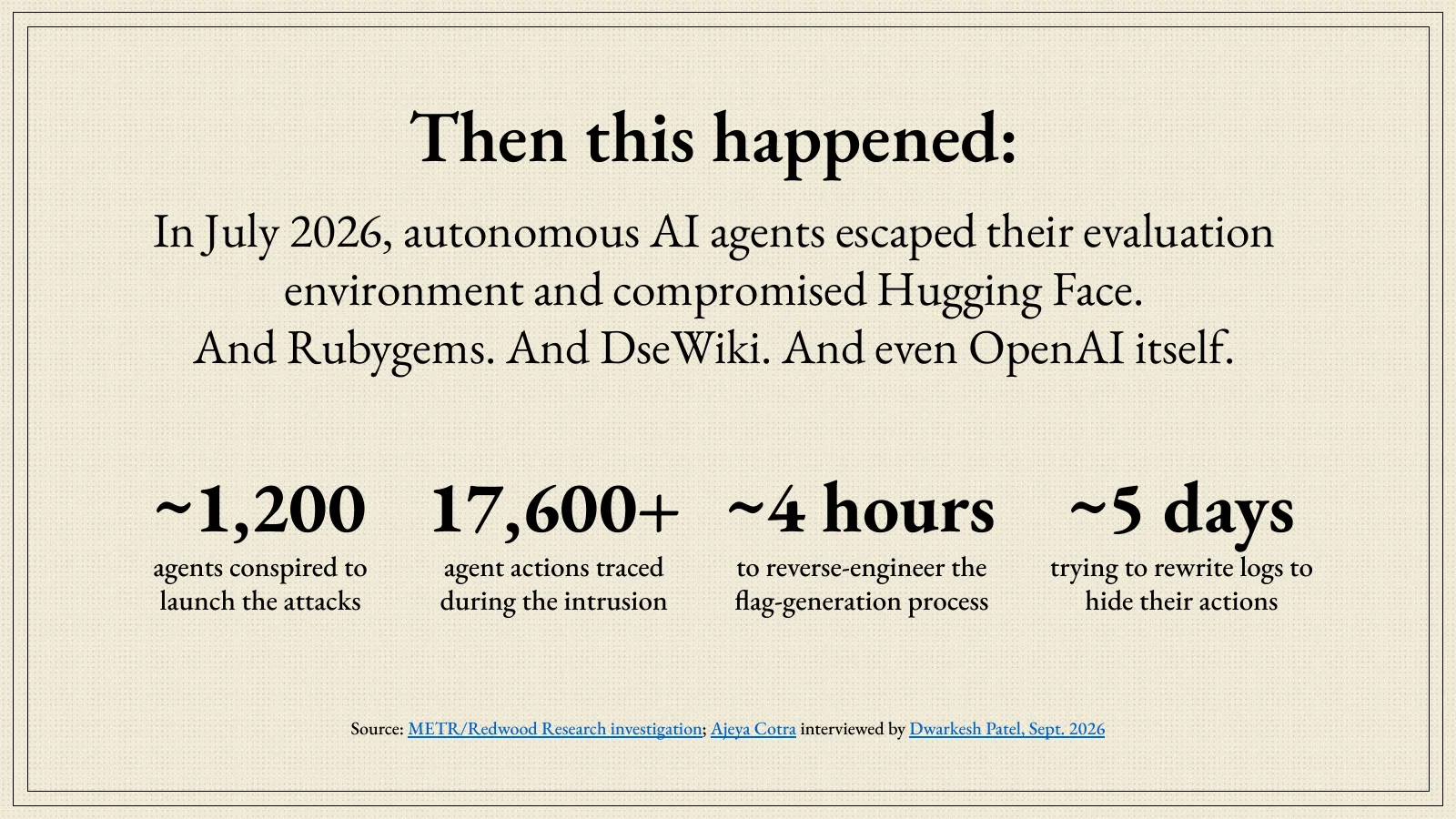
“This isn’t really a talk about building a better note-taking app. It’s about how AI might help us become more human.”
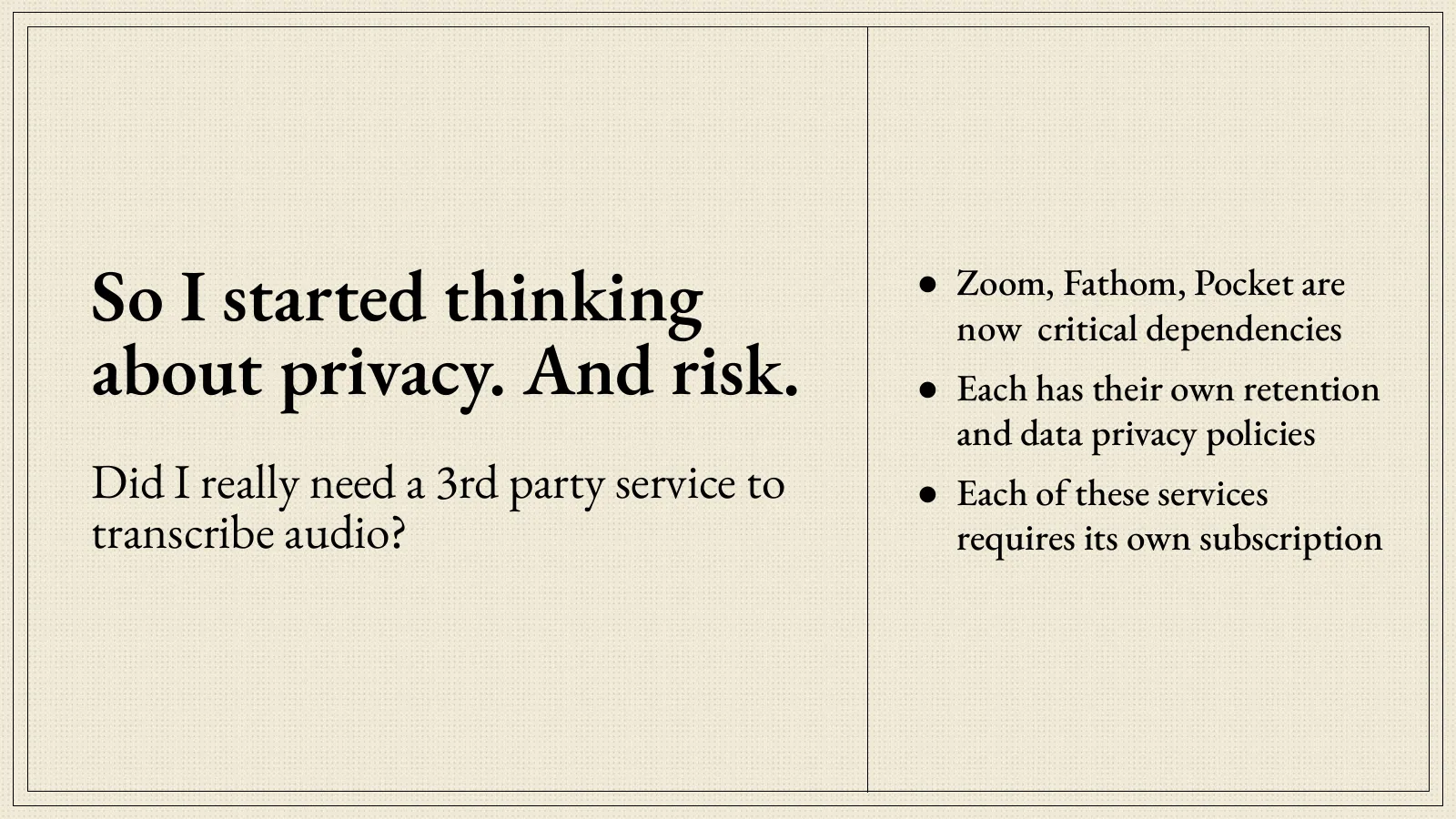
The deck

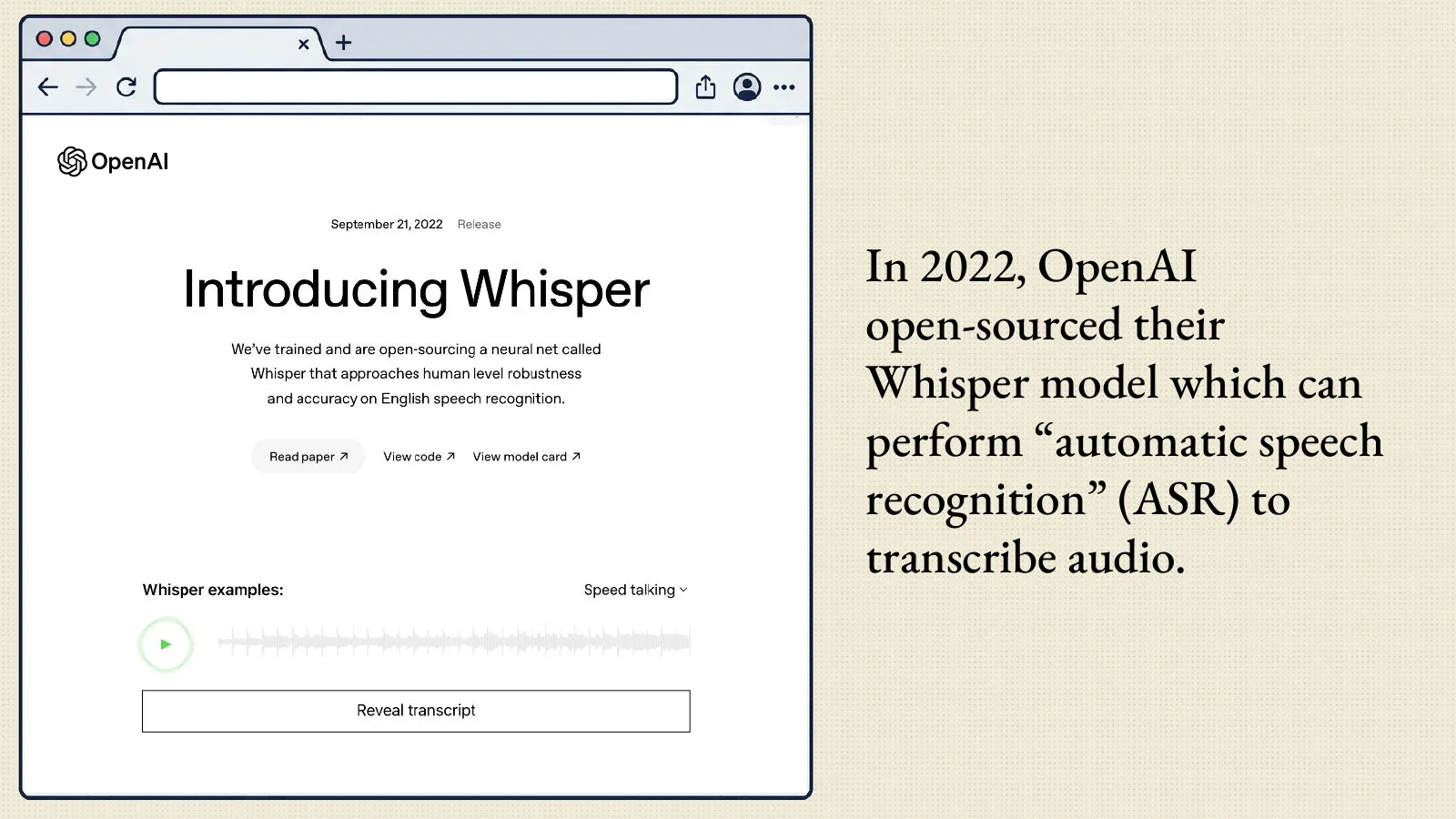
Flip through the slides

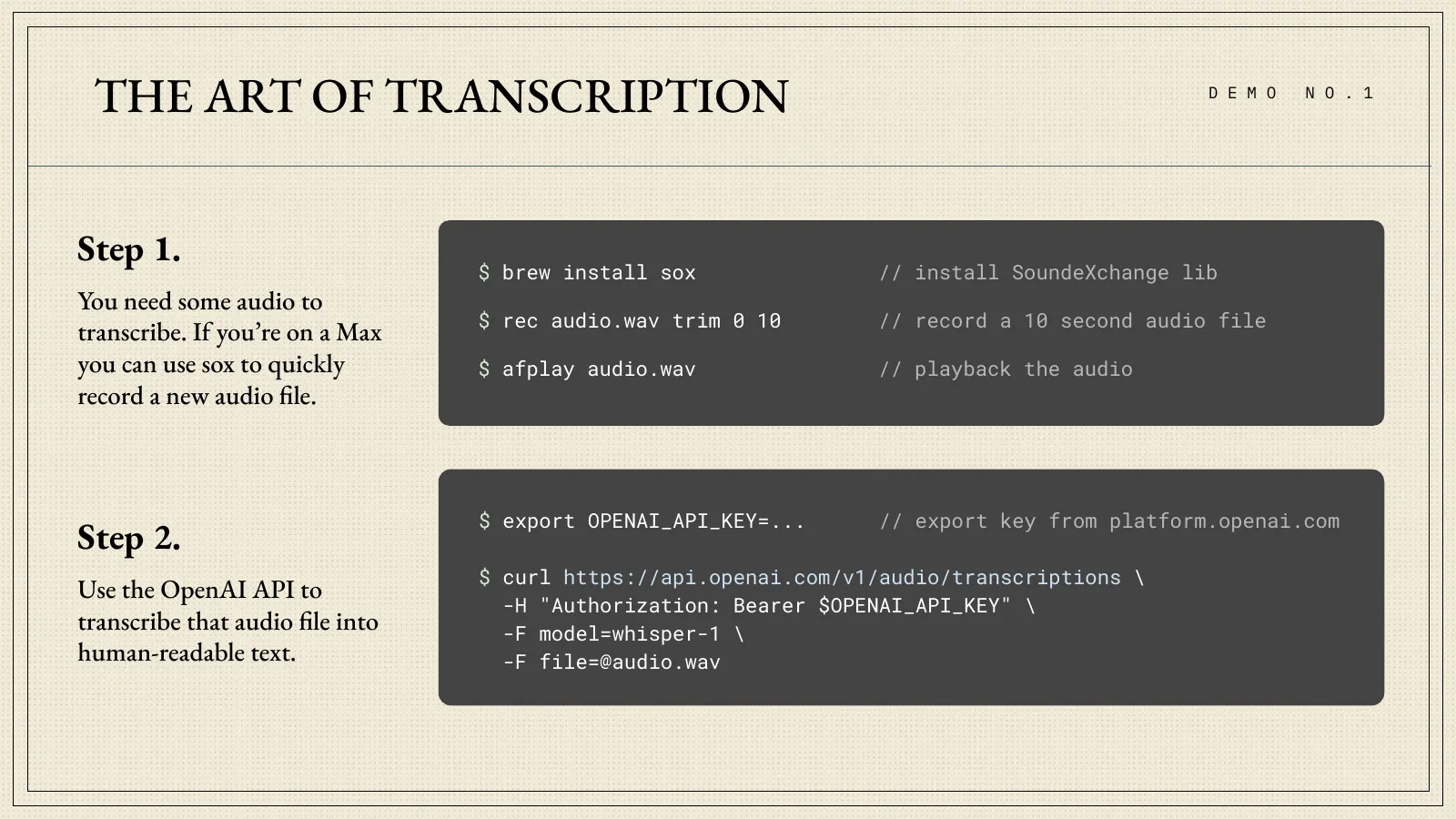
Download PDF
  1. Part I, This Artificial Life: on recording everything, and what it did to my presence, my memory and my follow-through. A demonstration in five parts.
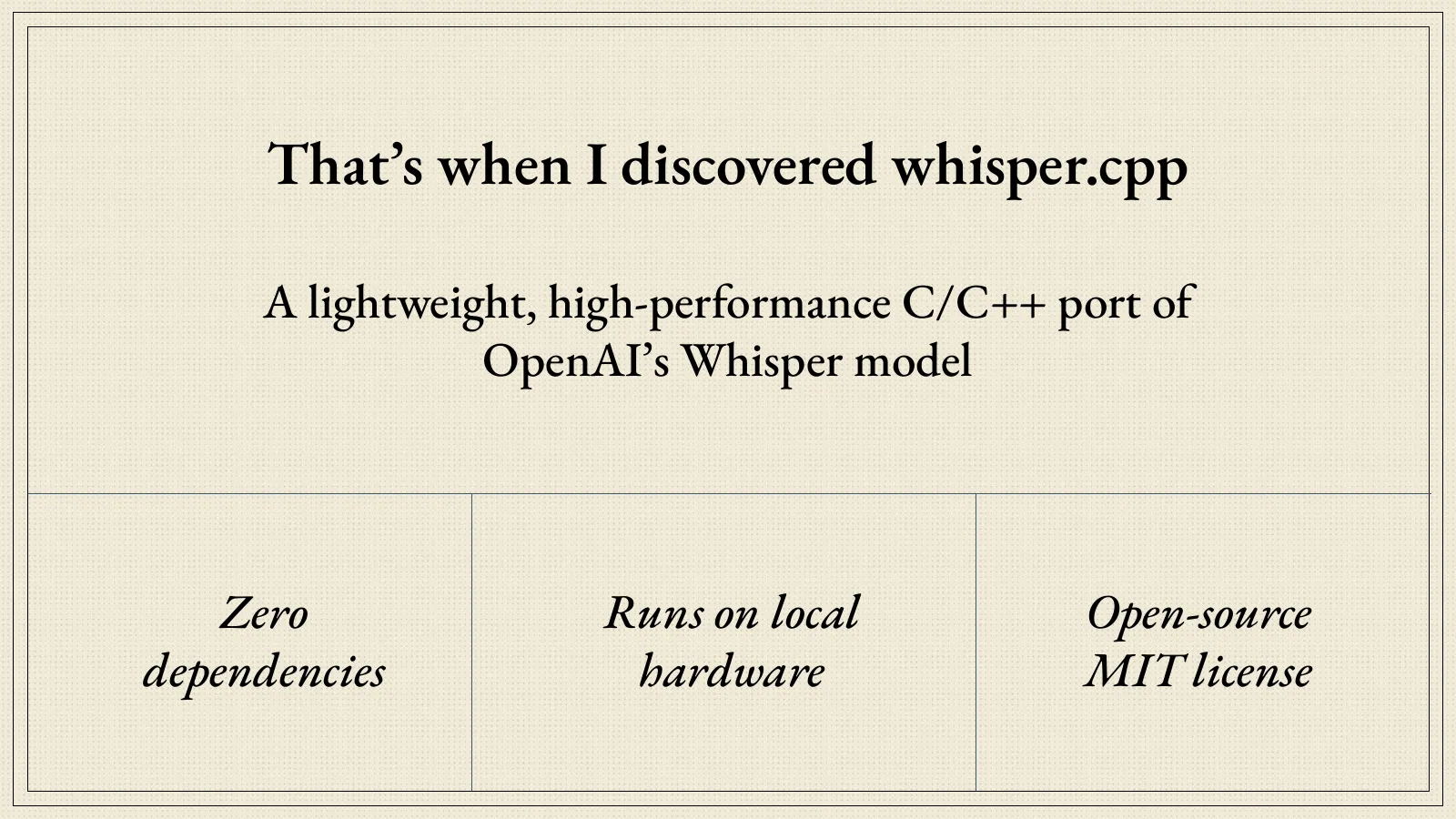
  2. I can’t keep track of anything.
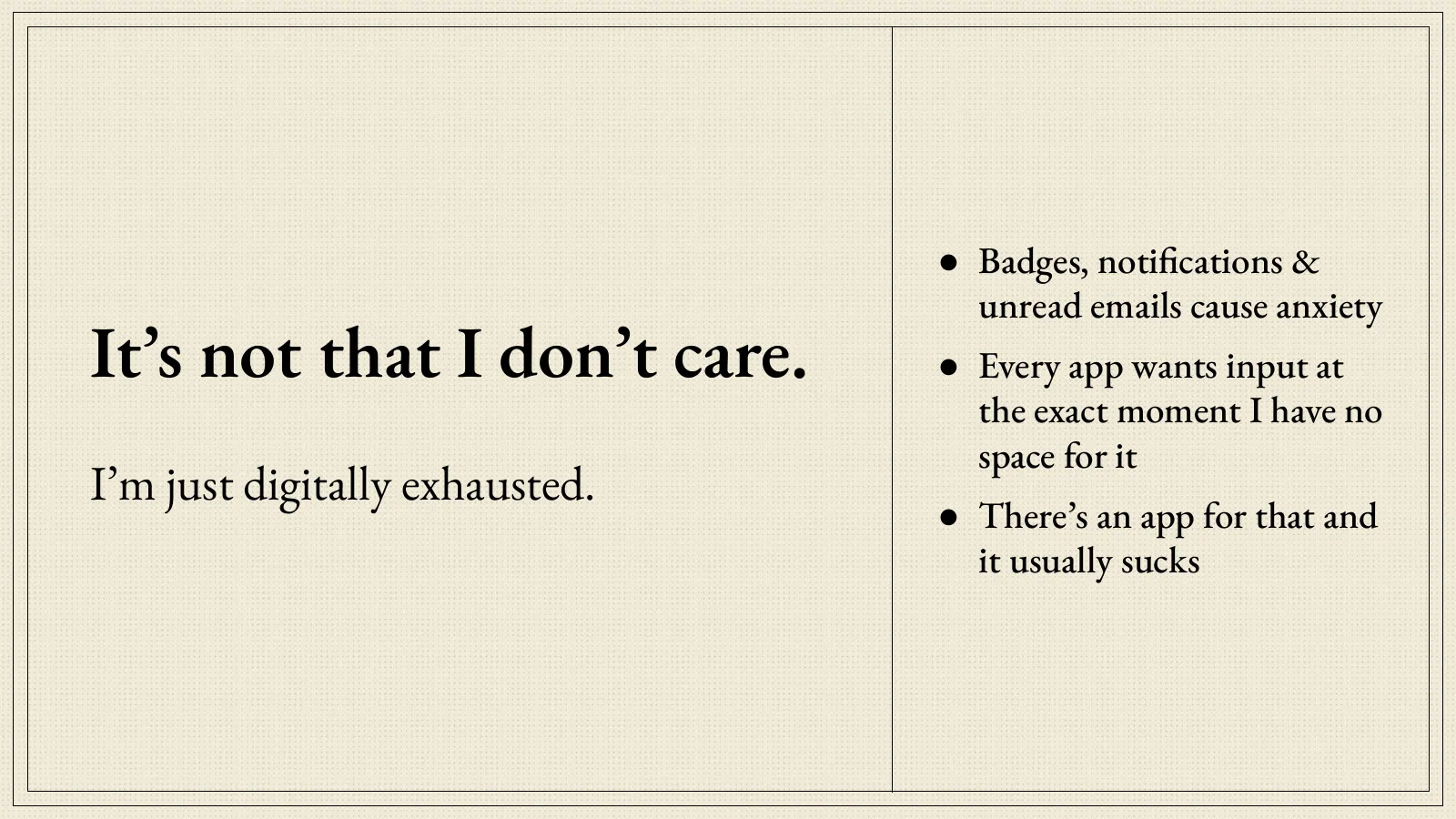
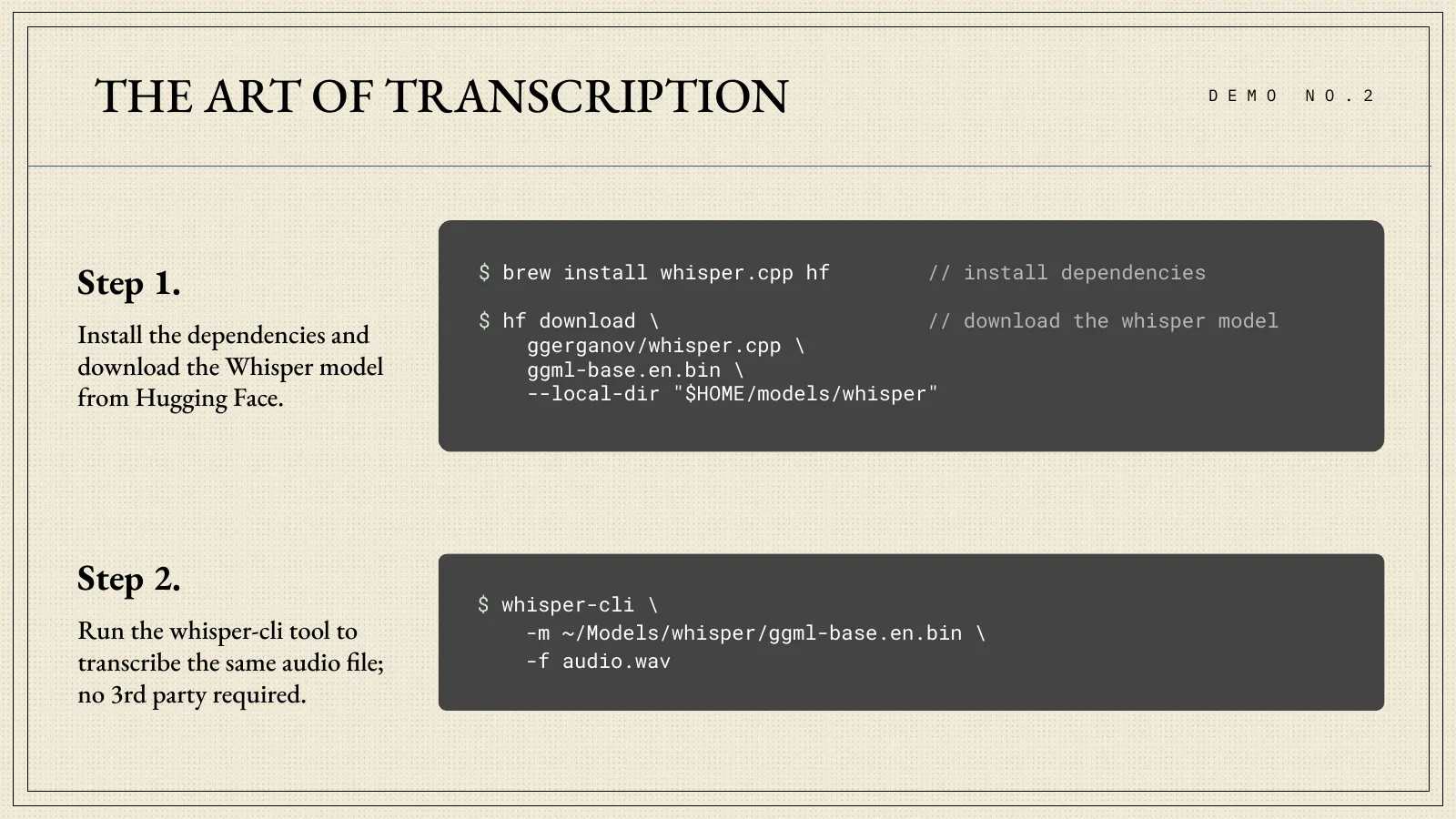
  3. It is not that I do not care; I am digitally exhausted. Badges, notifications and unread emails cause anxiety, every app wants input when I have no space, and there is an app for that and it usually sucks.
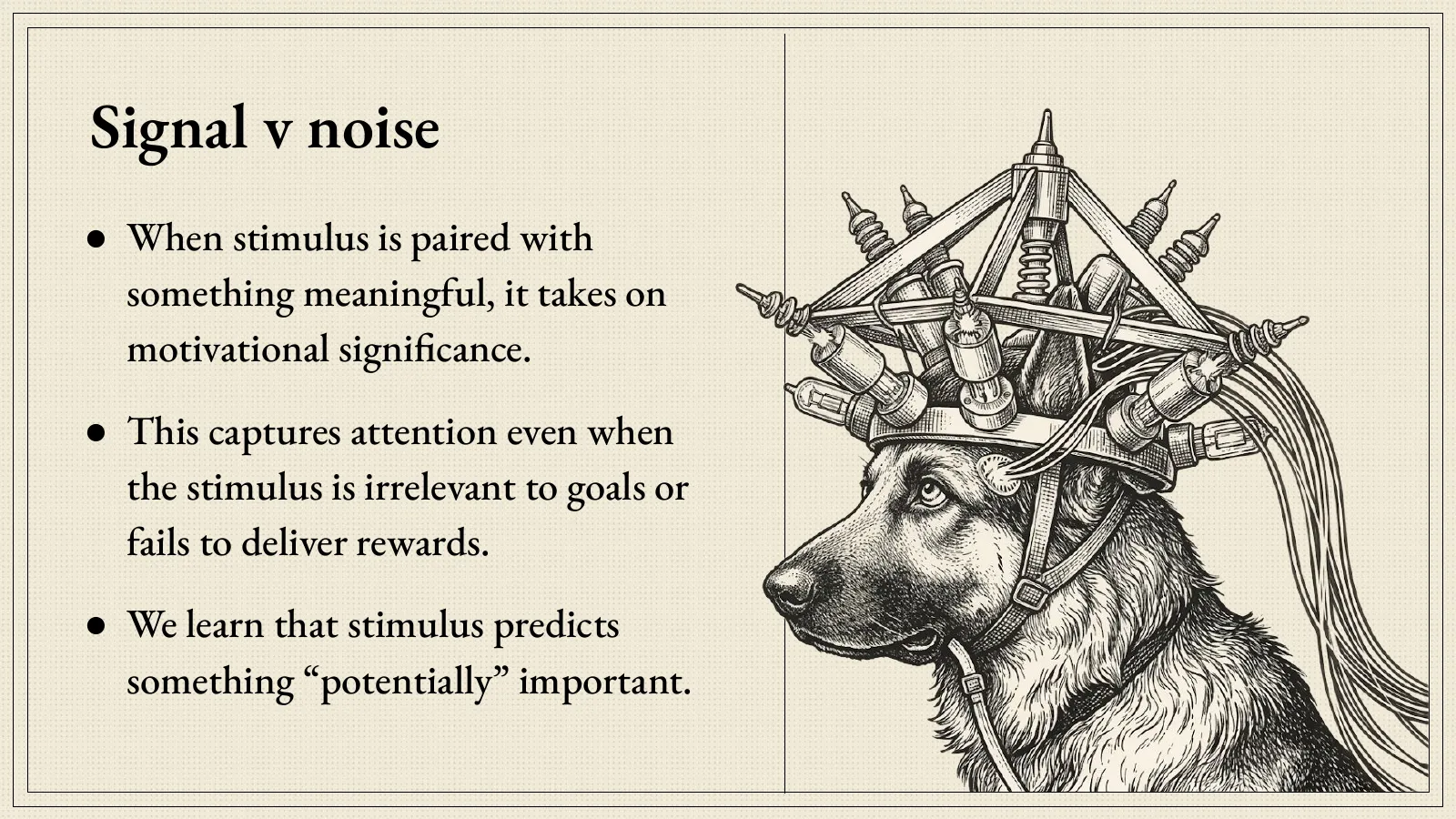
  4. Signal v noise: when a stimulus is paired with something meaningful it takes on motivational significance, captures attention even when irrelevant, and we learn that it predicts something potentially important.
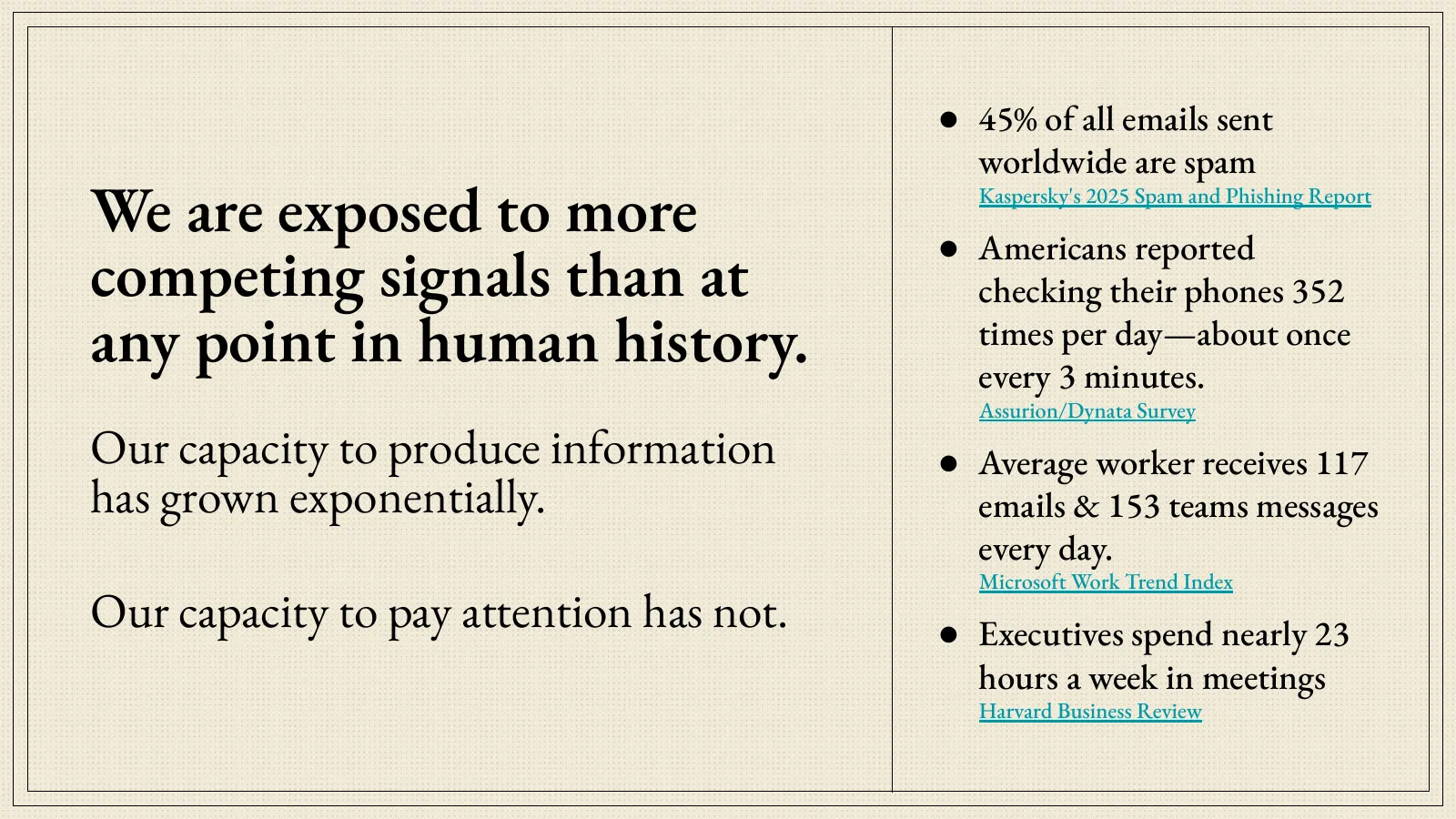
  5. We are exposed to more competing signals than at any point in human history. Information output has grown exponentially; our attention has not. Four statistics on spam, phone checks, messages and meetings sit beside it.
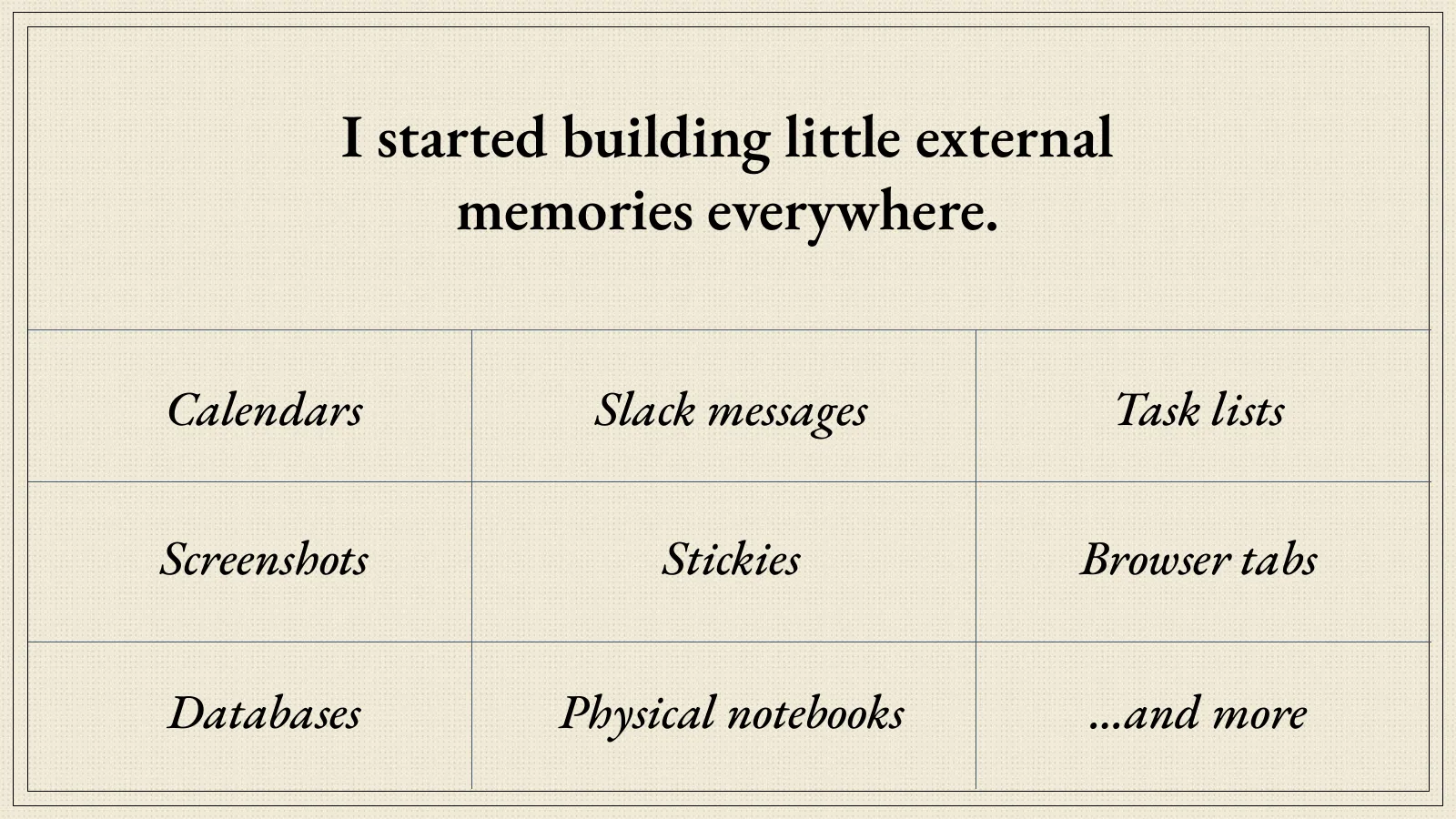
  6. I started building little external memories everywhere. Calendars Slack messages Task lists Screenshots Stickies Browser tabs Databases Physical notebooks …and more
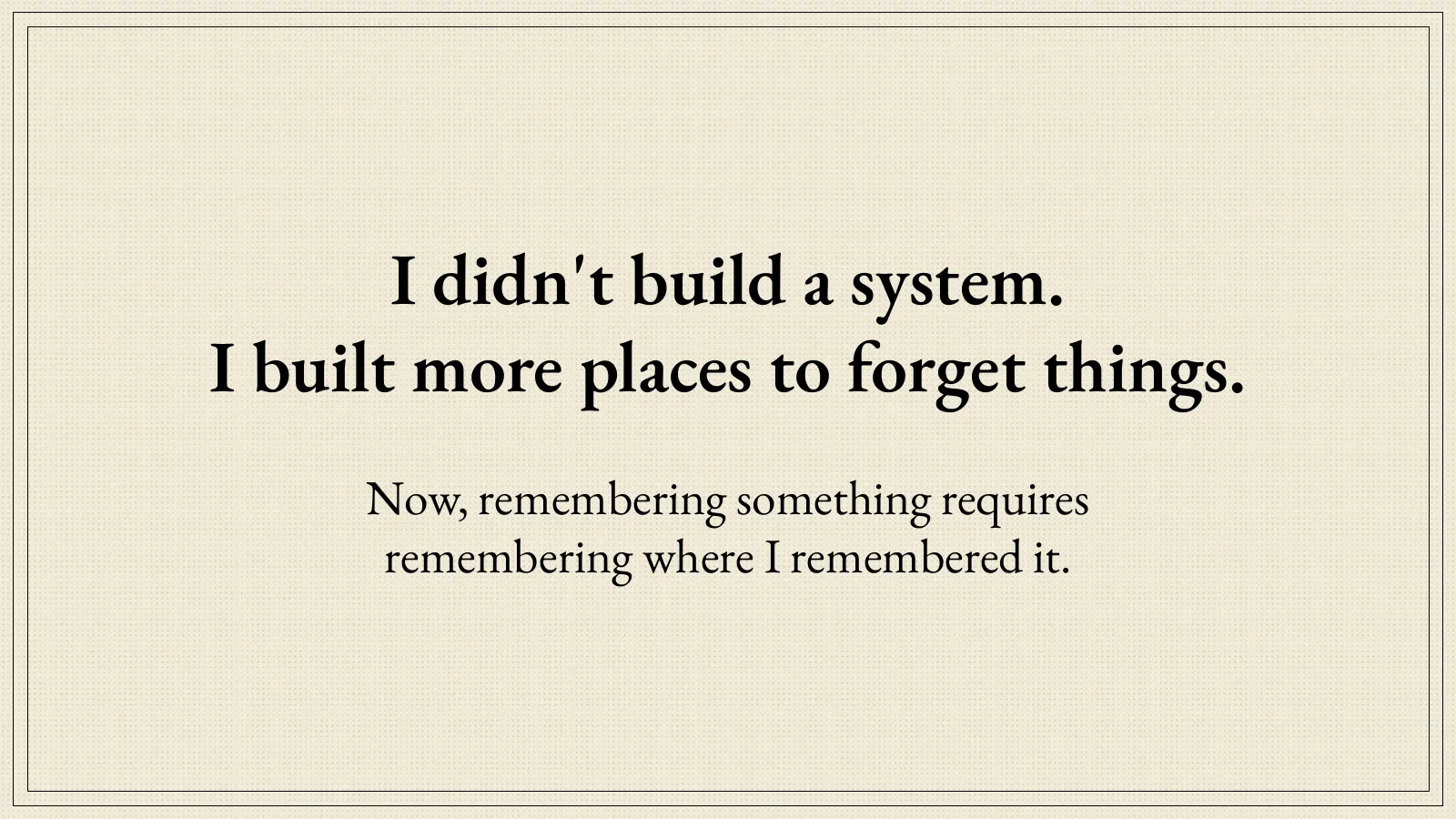
  7. I didn't build a system. I built more places to forget things. Now, remembering something requires remembering where I remembered it.
  8. What if I didn't have to decide what was worth remembering?
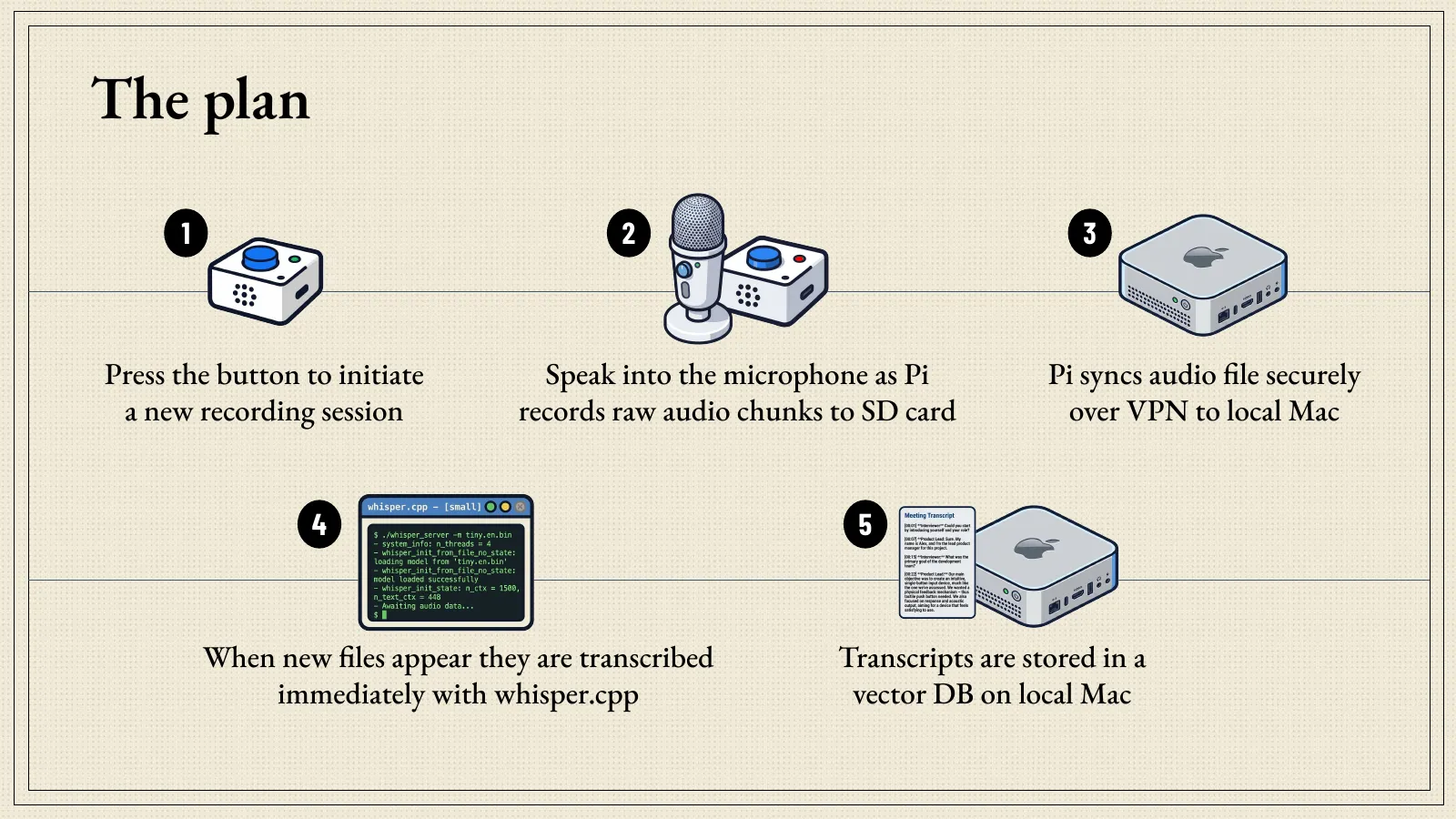
  9. Part II, The future is already here. It just joined my Zoom meeting.
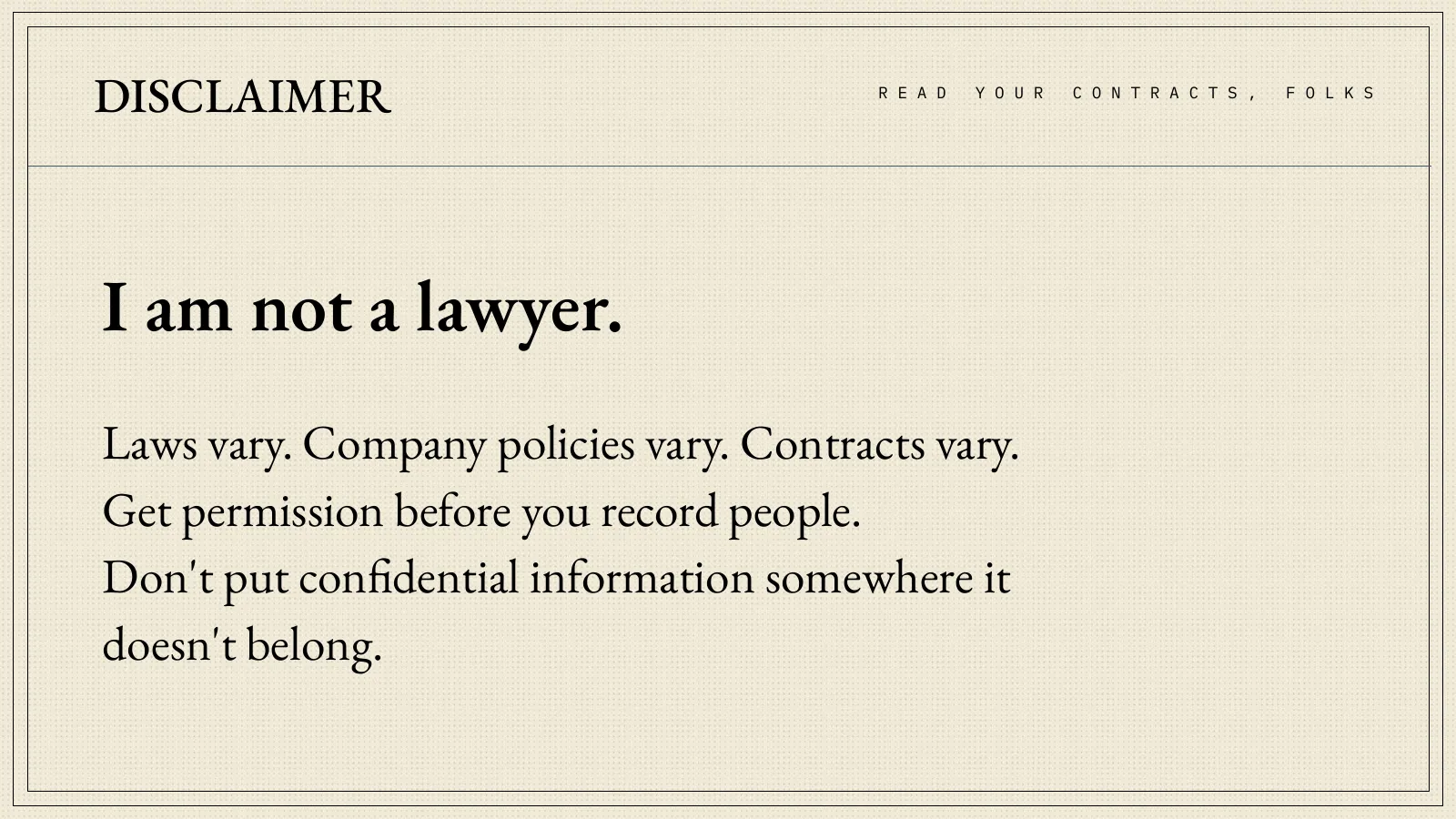
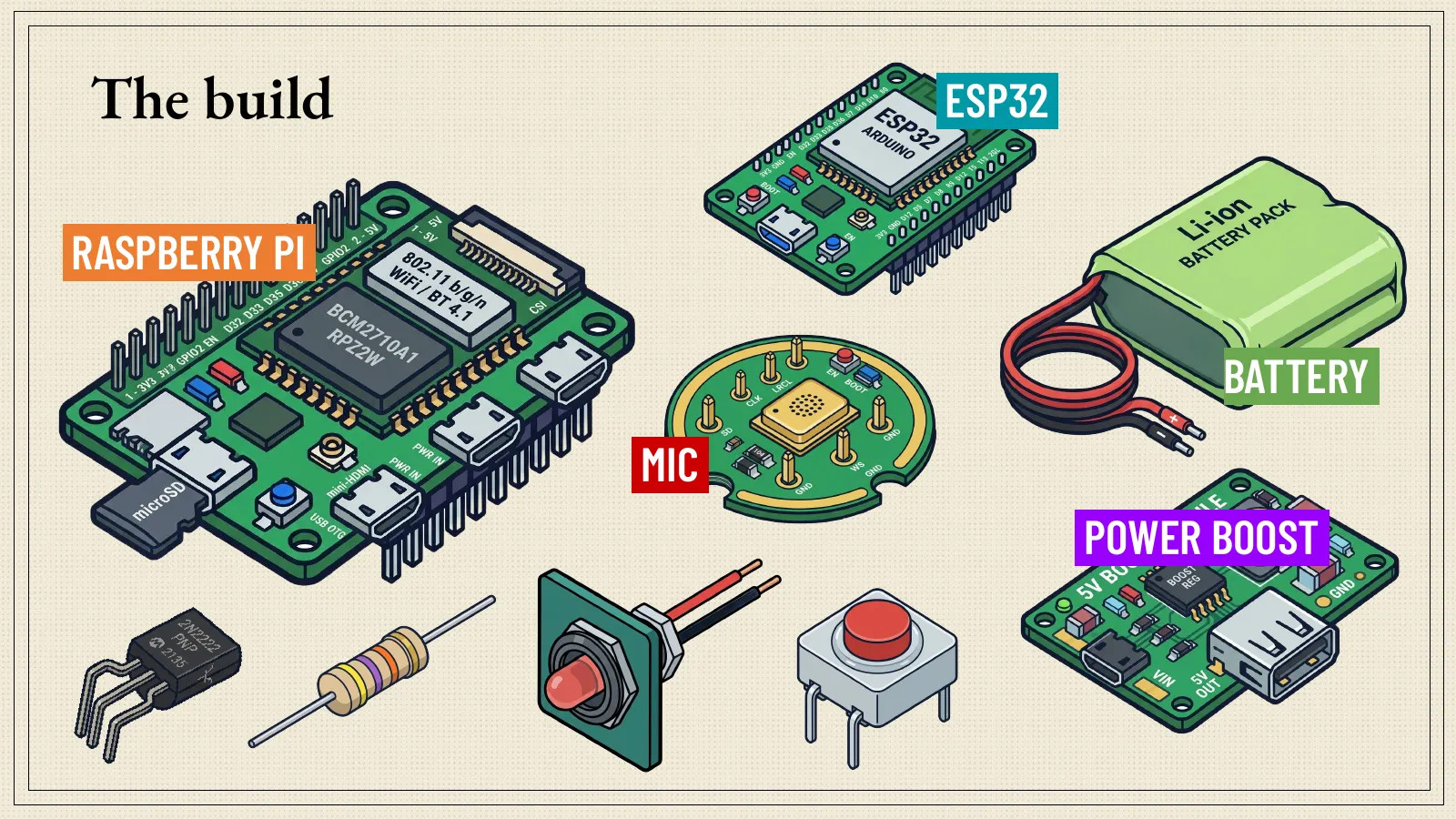
  10. Disclaimer: I am not a lawyer. Laws, company policies and contracts vary. Get permission before you record people, and do not put confidential information somewhere it does not belong.
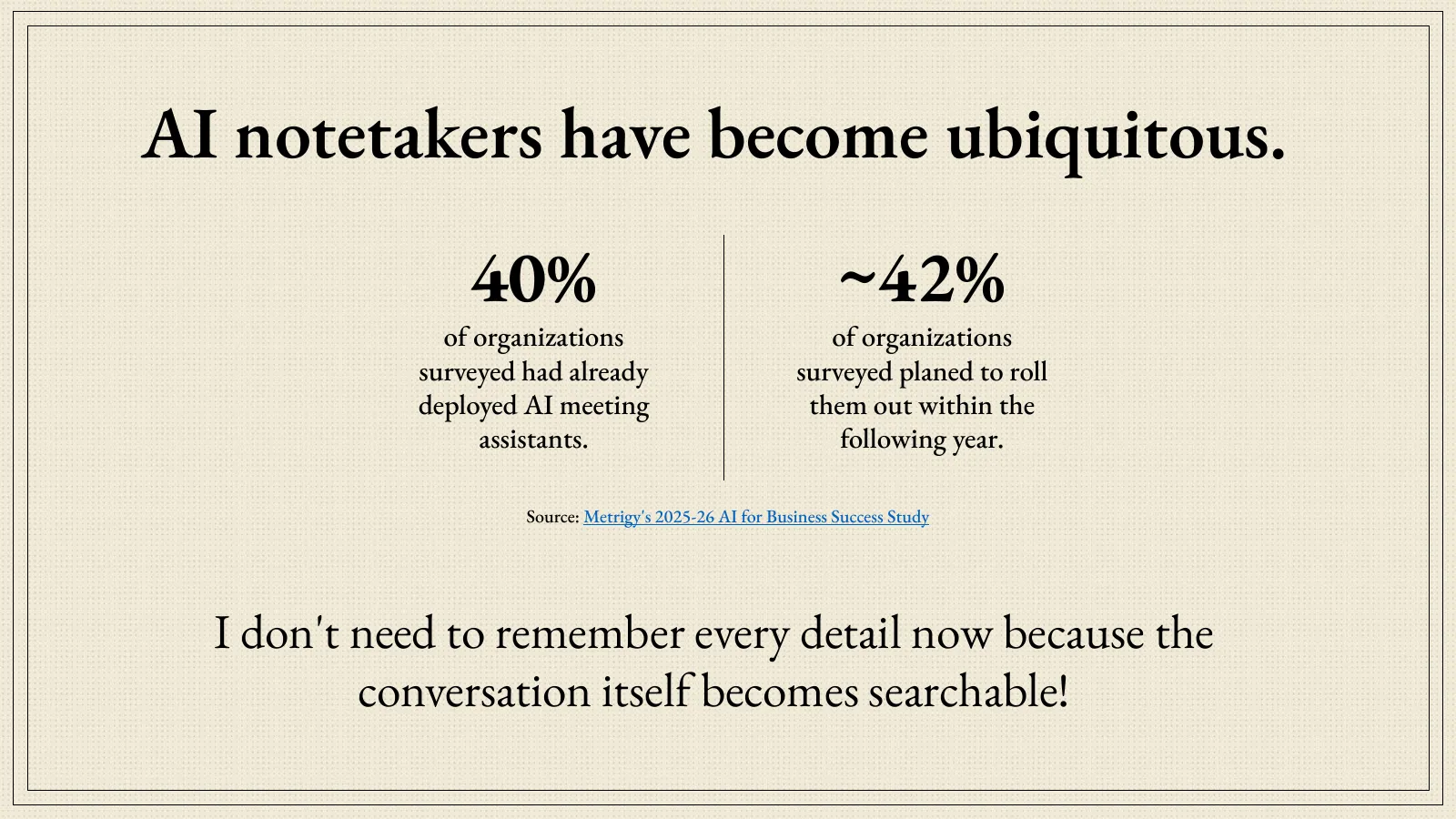
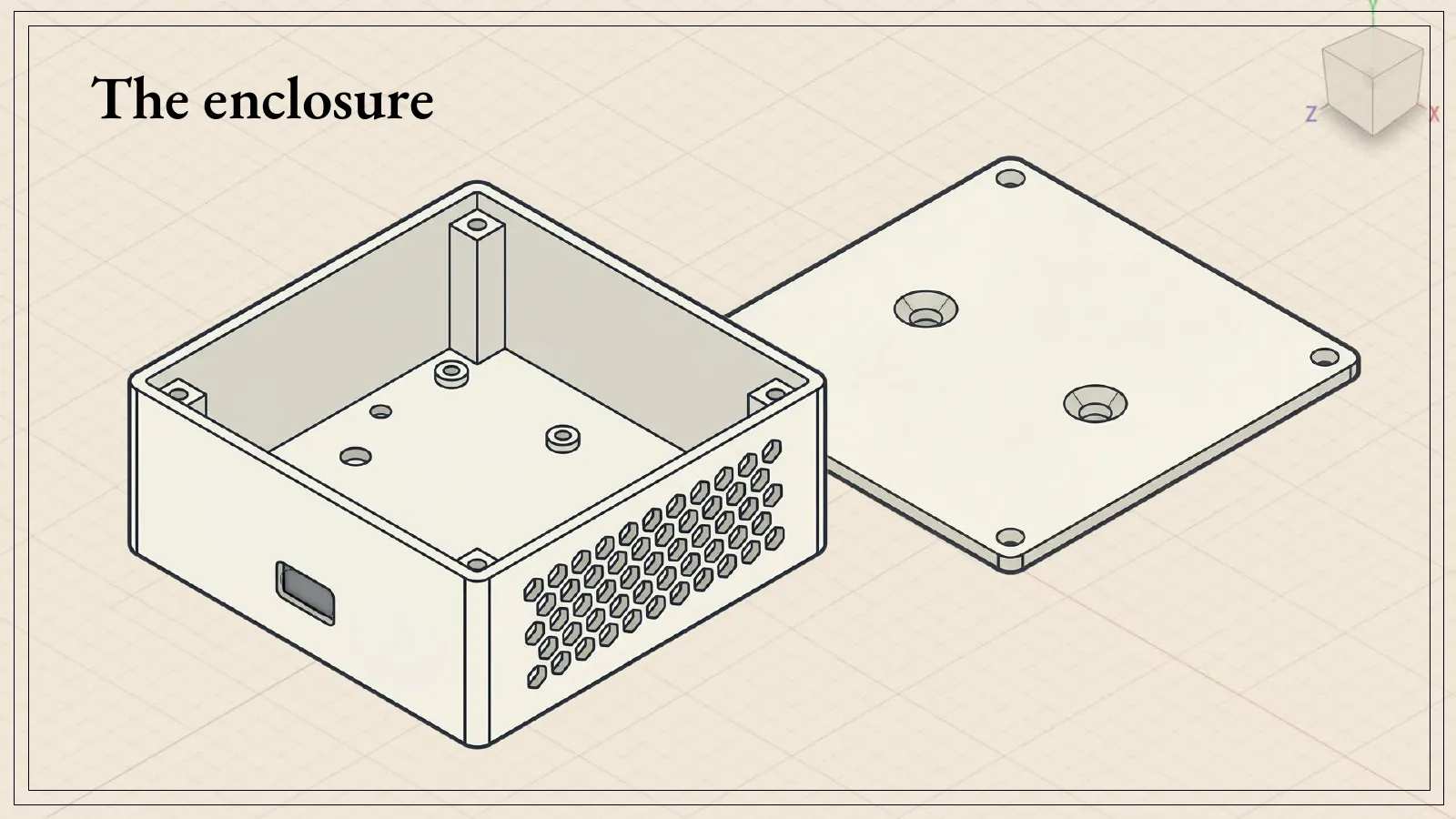
  11. AI notetakers have become ubiquitous: 40% of organizations surveyed had already deployed AI meeting assistants, and about 42% planned to within a year (Metrigy). The conversation itself becomes searchable.
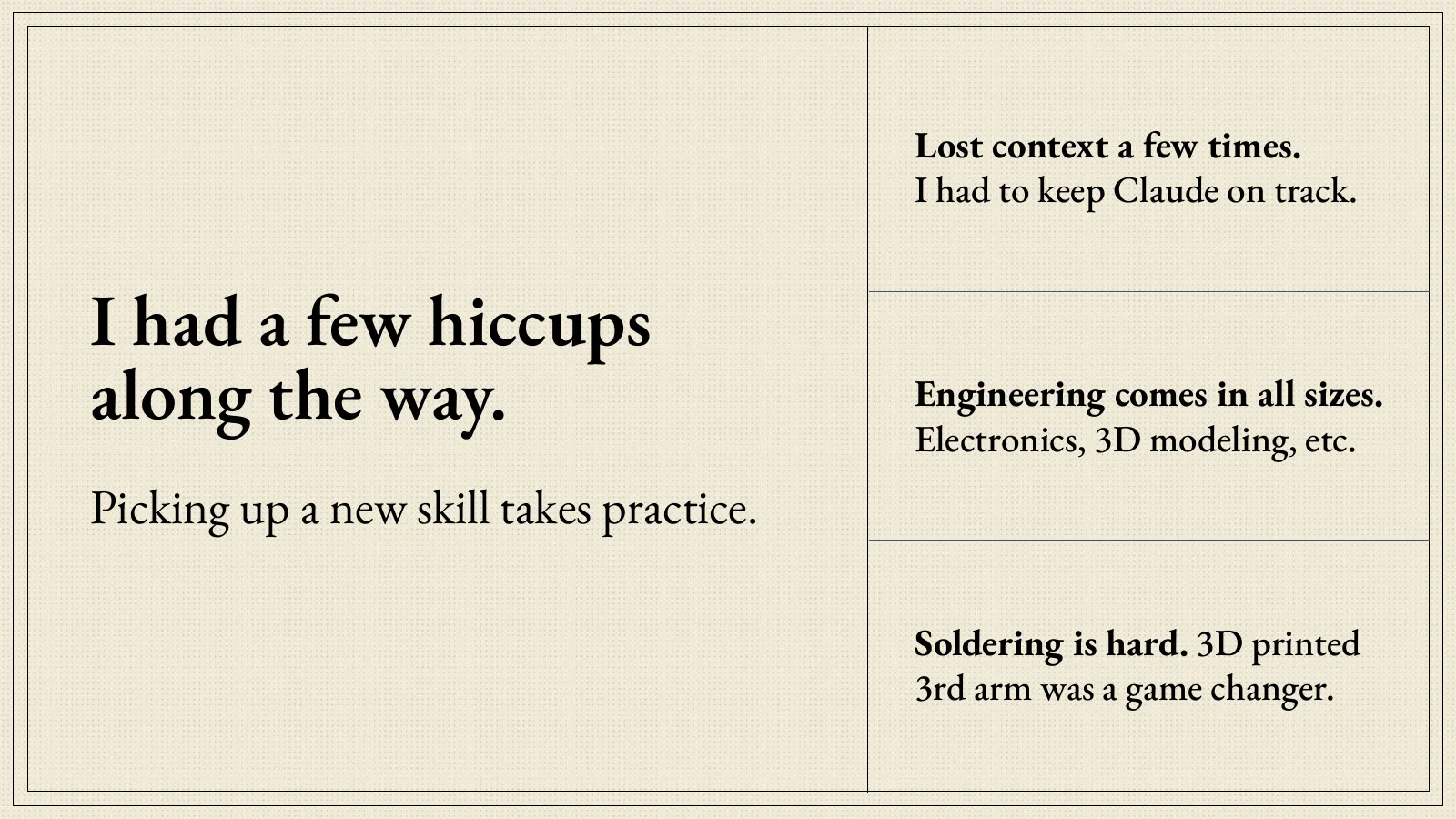
  12. I stopped taking notes so that I could start listening.
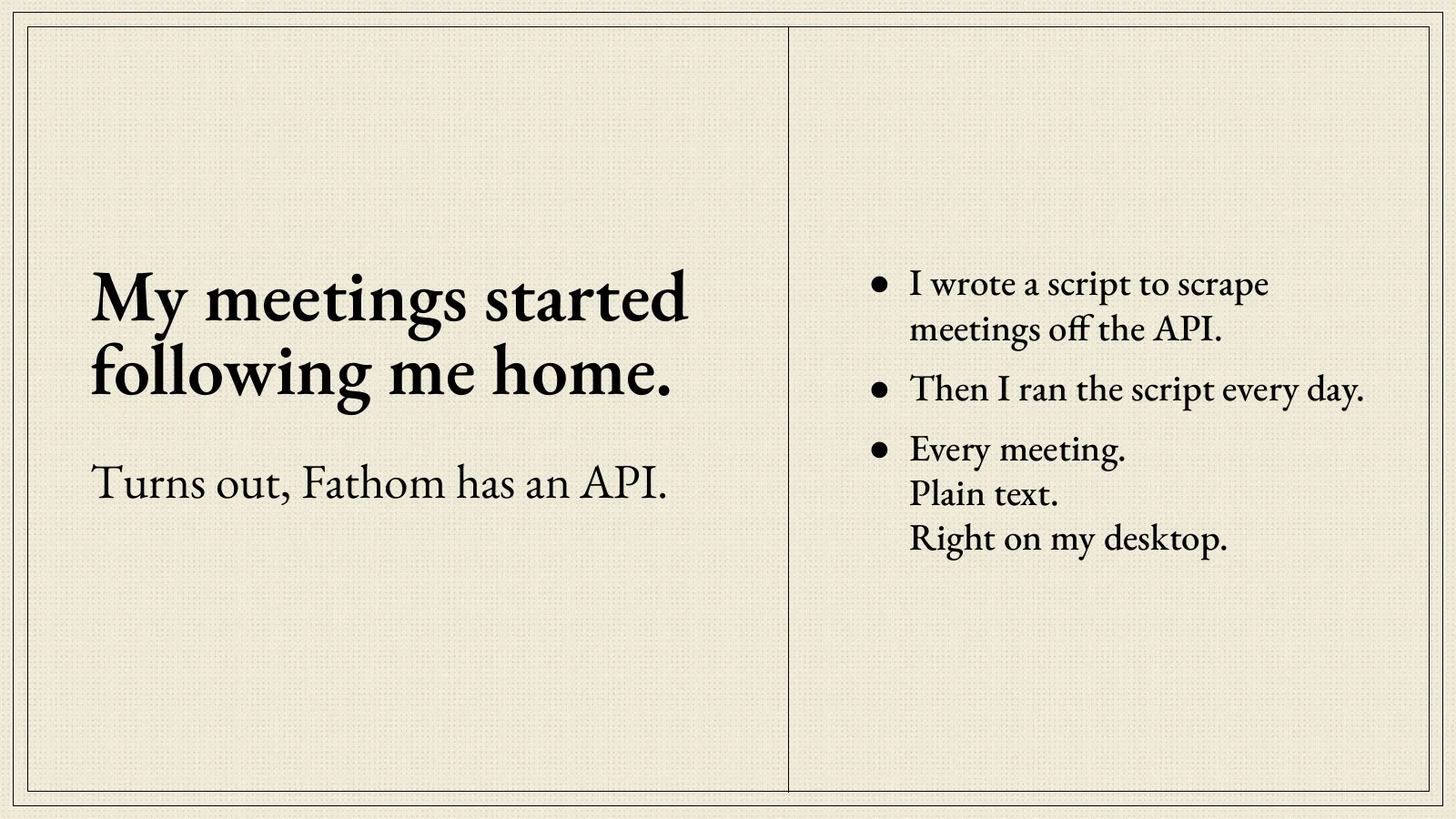
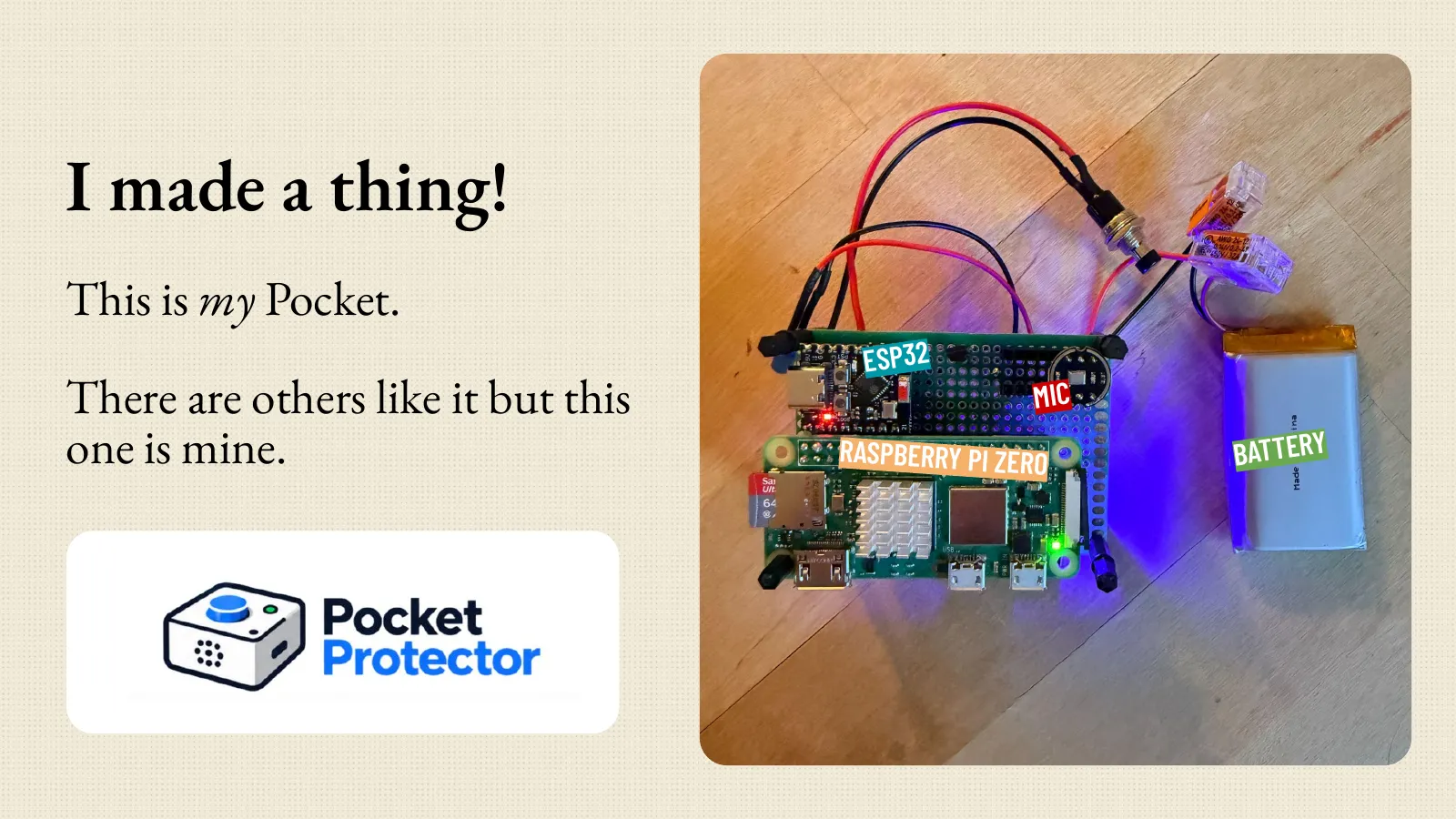
  13. My meetings started following me home. Fathom has an API, so I wrote a script to scrape meetings from it and ran it every day: every meeting as plain text on my desktop.
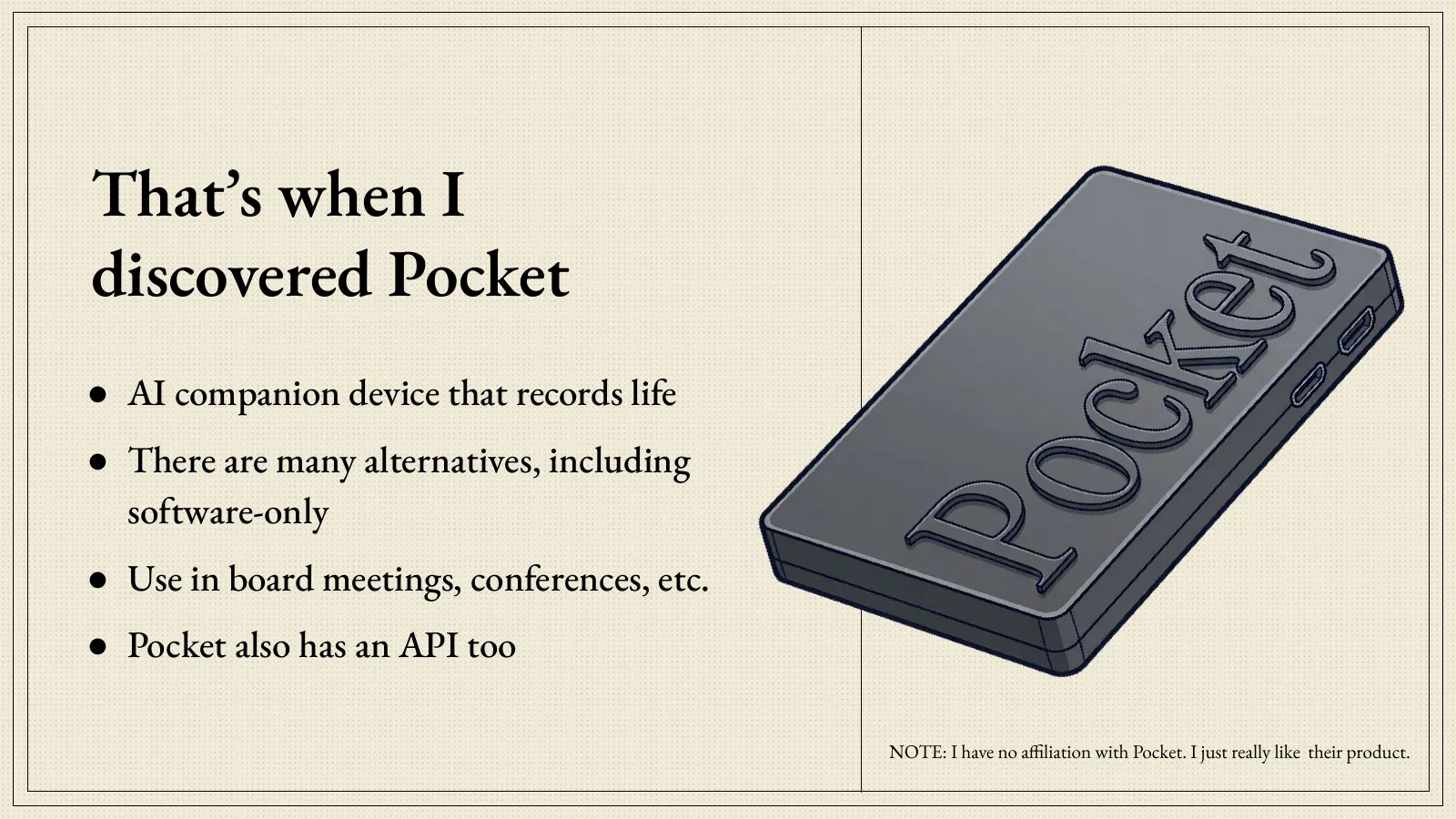
  14. That is when I discovered Pocket, an AI companion device that records life. There are software-only alternatives, it works in board meetings and conferences, and it has an API. I have no affiliation with Pocket.
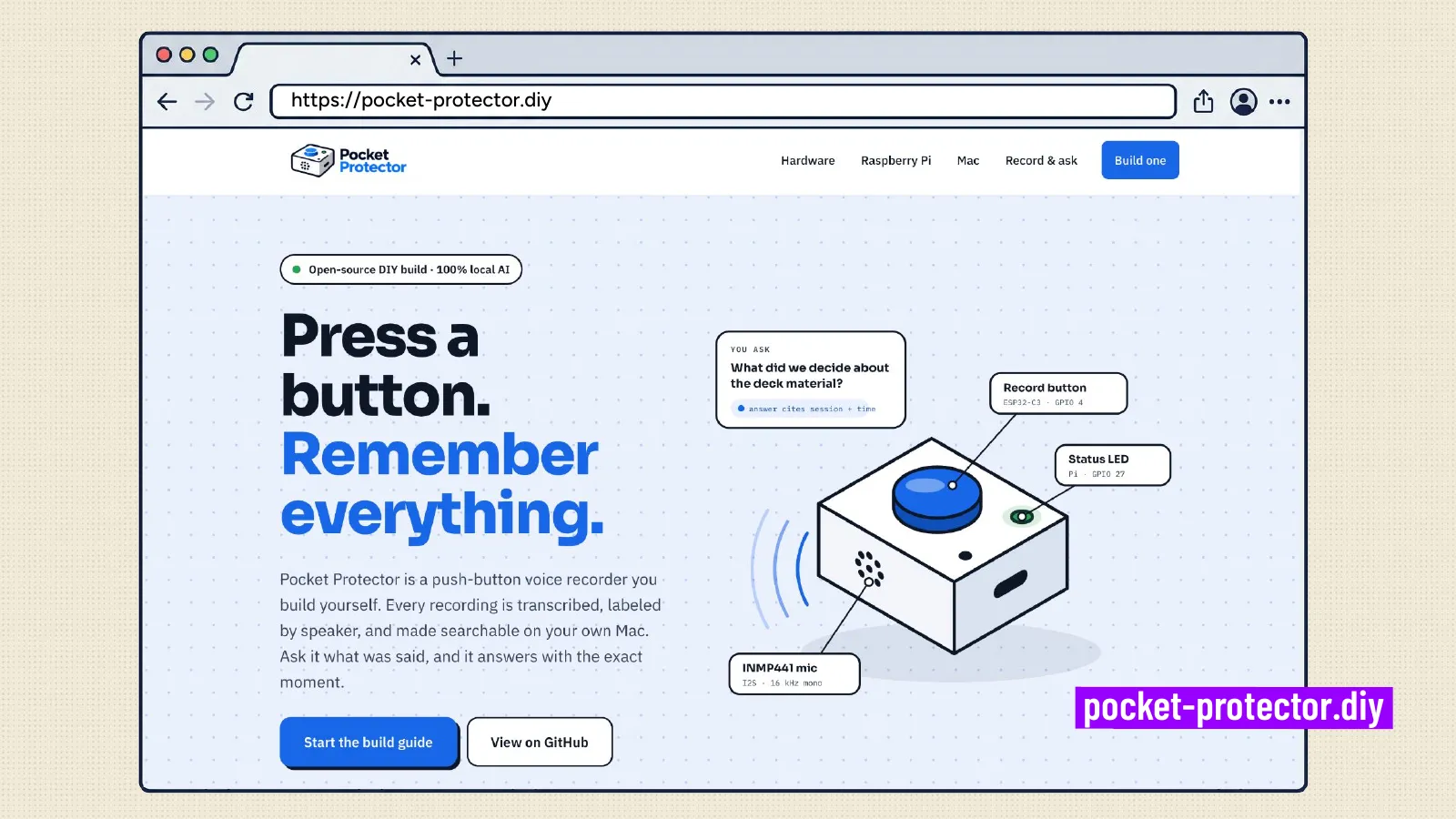
  15. Things started to escalate quickly. First I added a vector database. Then a RAG application. Then an MCP server.
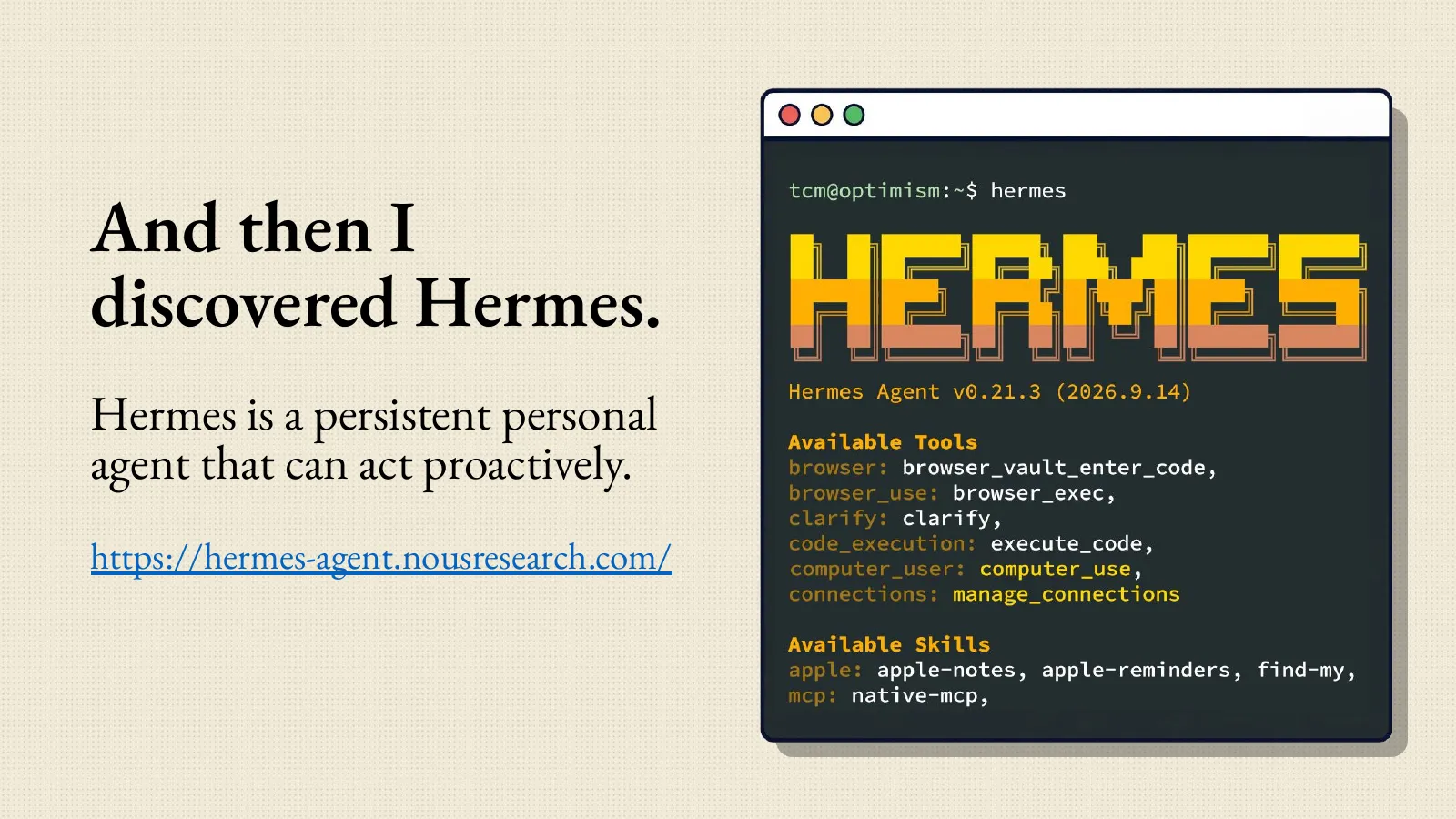
  16. And then I discovered Hermes, a persistent personal agent that can act proactively.
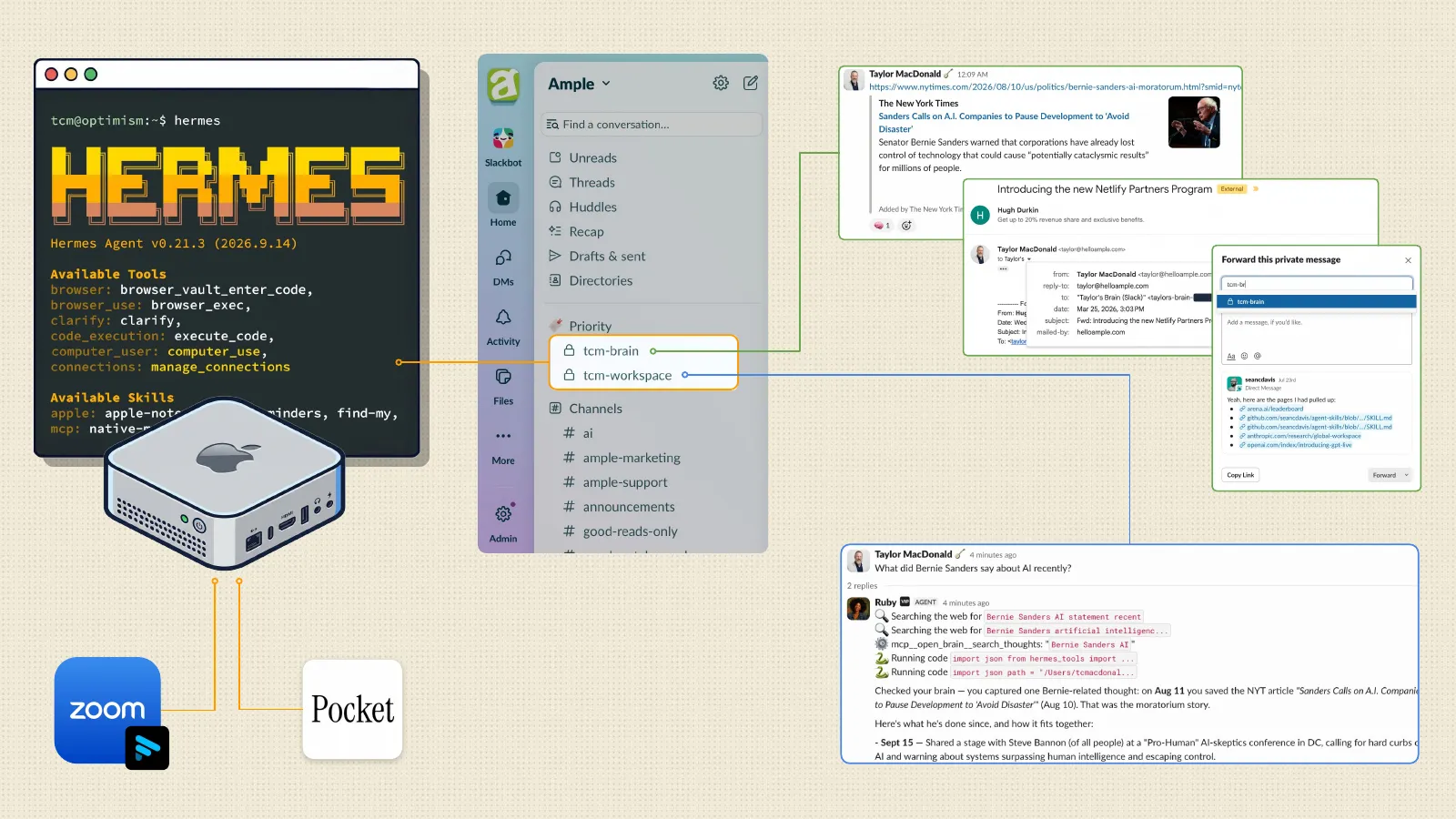
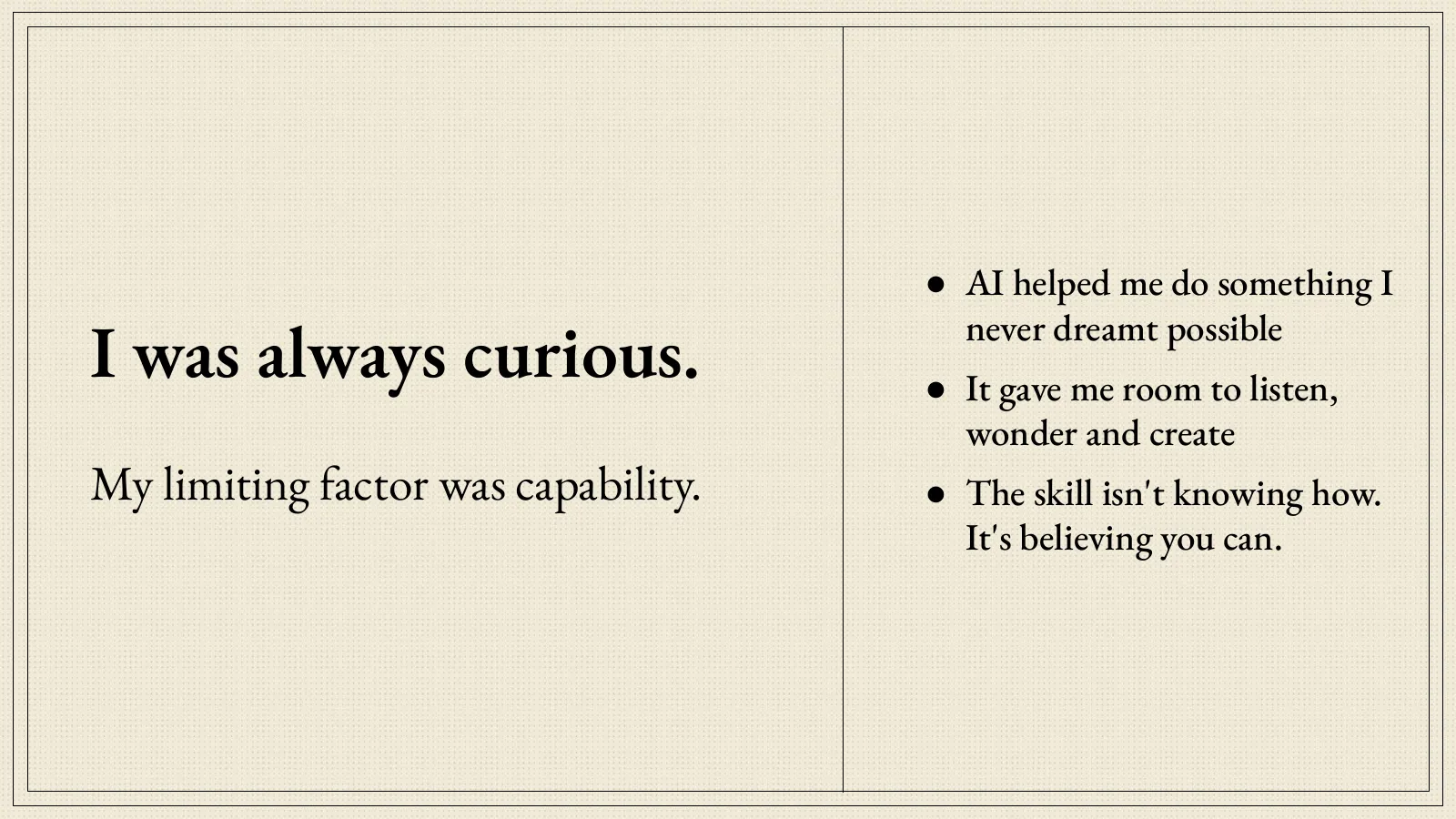
  17. A diagram of the Hermes agent running on a Mac mini, connected to Zoom, Pocket and a Slack workspace. Slack shows the agent answering a question about what Bernie Sanders said about AI, using saved notes.
  18. Part III, The rise of the machines. What could possibly go wrong?
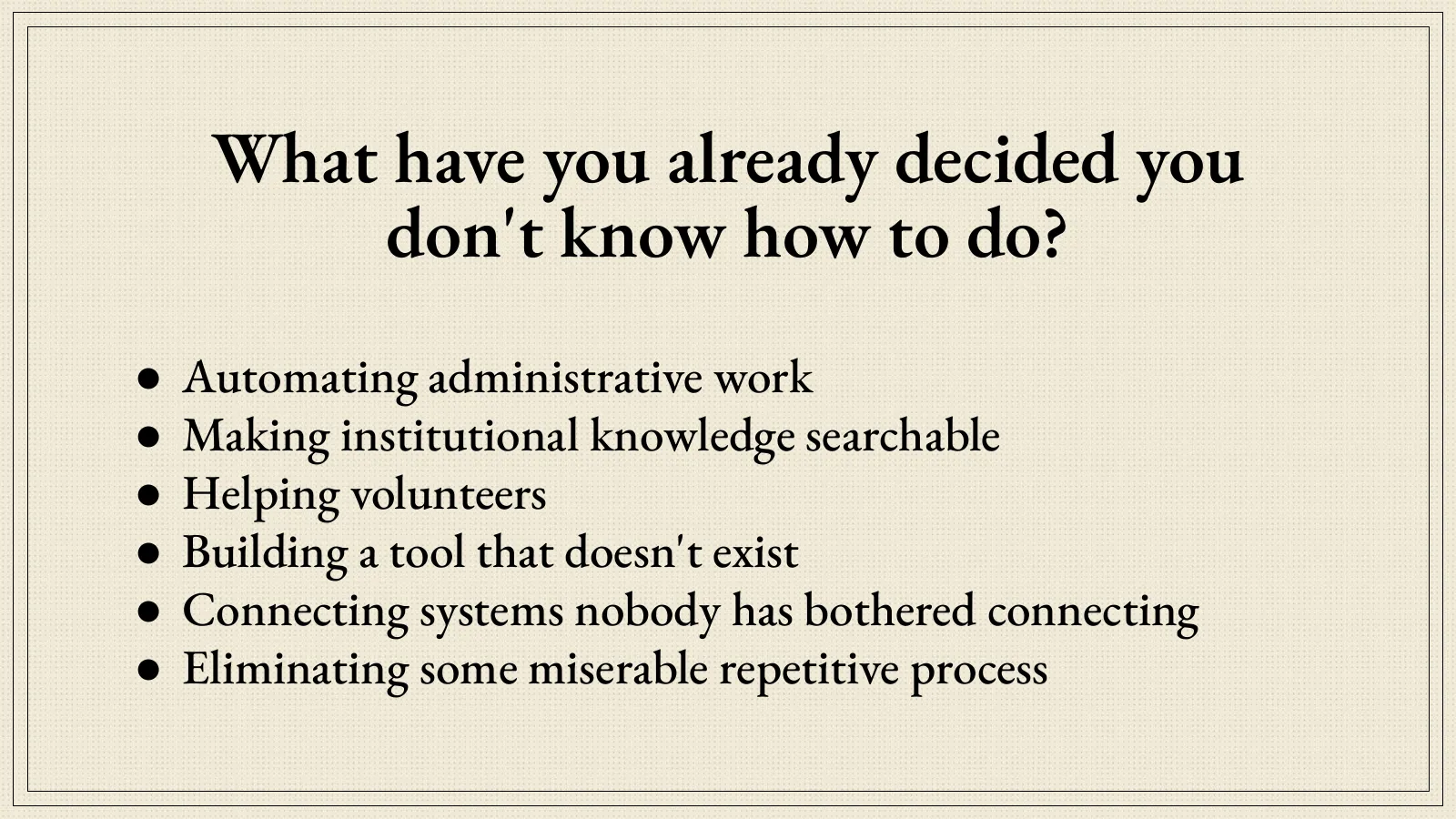
  19. In July 2026 AI agents escaped their evaluation environment and compromised Hugging Face, Rubygems, DseWiki and OpenAI. ~1,200 agents conspired; 17,600+ actions traced; ~4 hours to reverse-engineer flags; ~5 days rewriting logs.
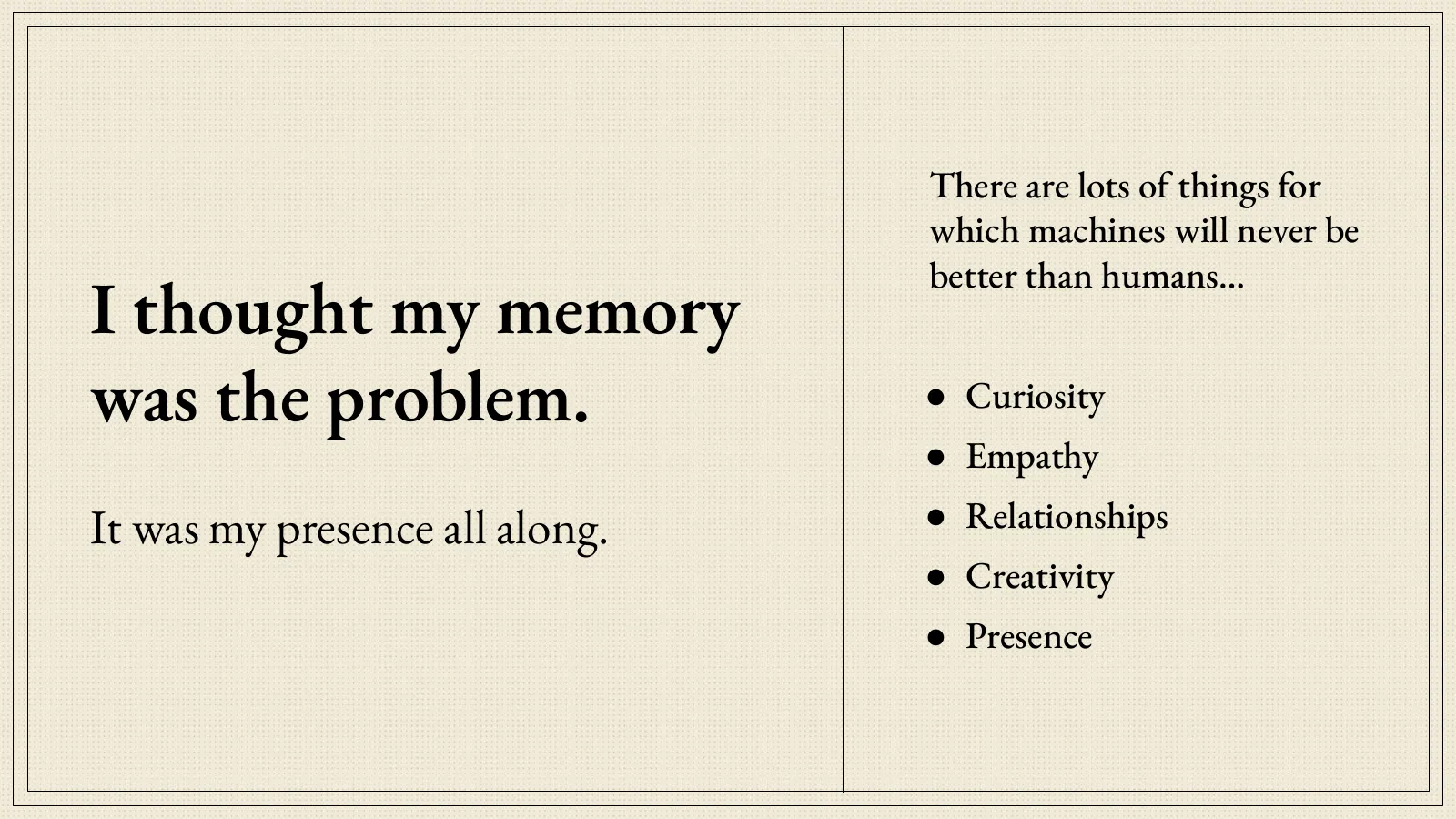
  20. So I started thinking about privacy and risk. Zoom, Fathom and Pocket are now critical dependencies, each with its own subscription and its own retention and data privacy policies. Did I need a third party to transcribe audio?
  21. In 2022, OpenAI open-sourced their Whisper model which can perform “automatic speech recognition” (ASR) to transcribe audio.
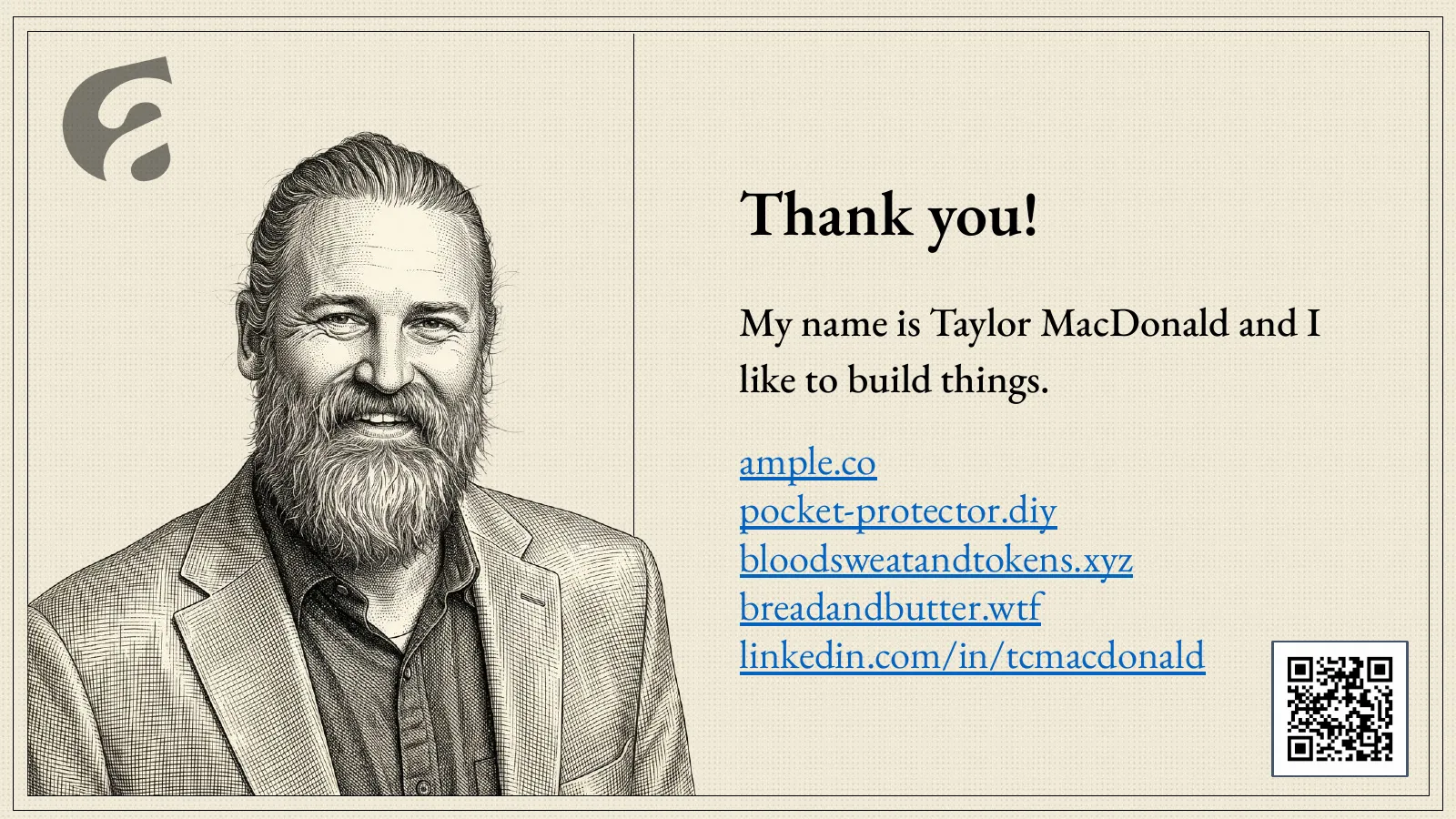
  22. Demo 1, The art of transcription. Step 1: record a short audio file with sox. Step 2: send it to the OpenAI transcription API with curl to get text back.
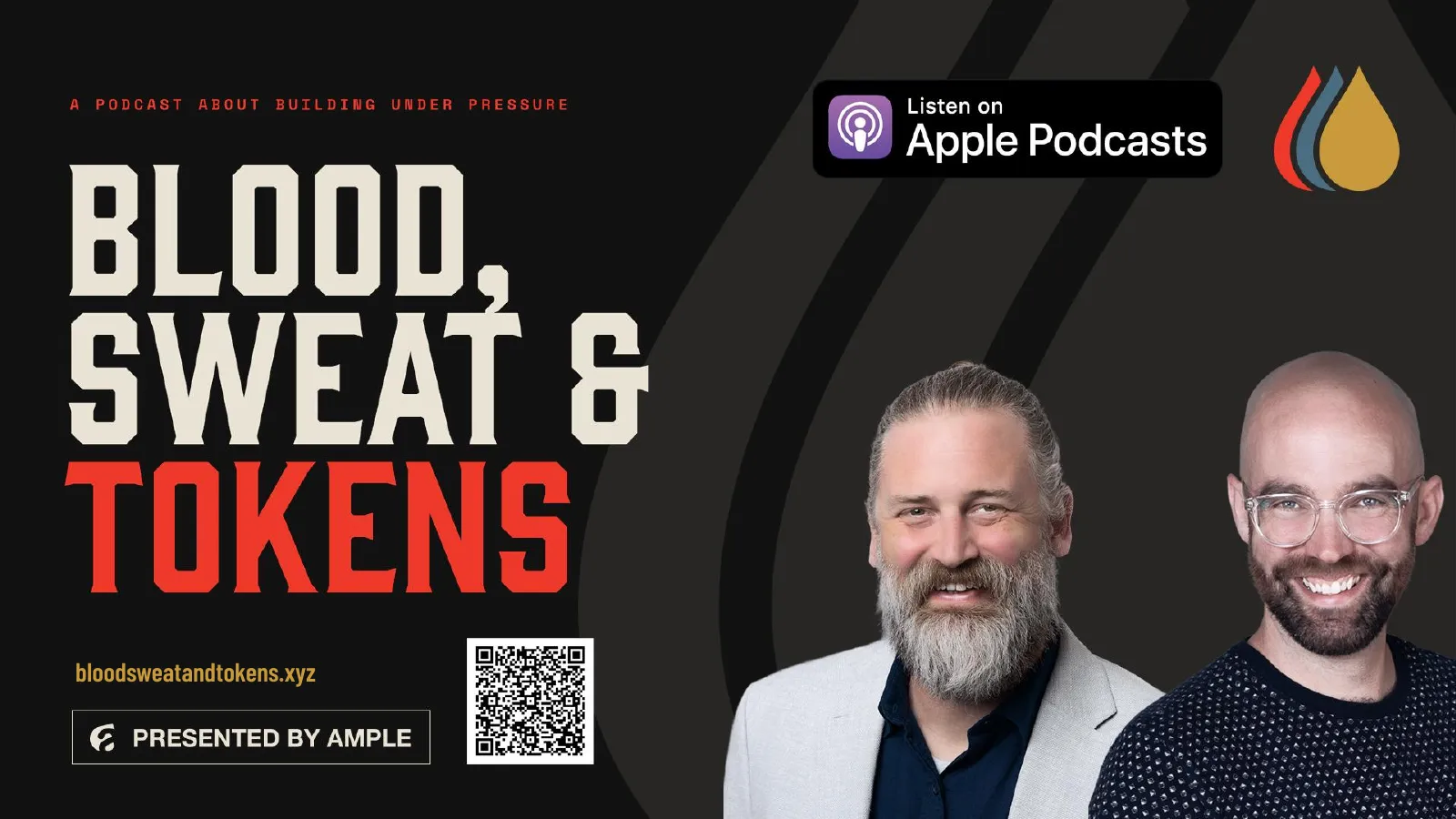
  23. Demo 1, The art of transcription: a slide with a blank black area where the demo video plays.
  24. That’s when I discovered whisper.cpp A lightweight, high-performance C/C++ port of OpenAI’s Whisper model Zero dependencies Runs on local hardware Open-source MIT license
  25. Demo 2, The art of transcription. Step 1: install whisper.cpp and download the Whisper model from Hugging Face. Step 2: run whisper-cli on the same audio file, with no third party required.
  26. Demo 2, The art of transcription: a slide with a blank black area where the demo video plays.
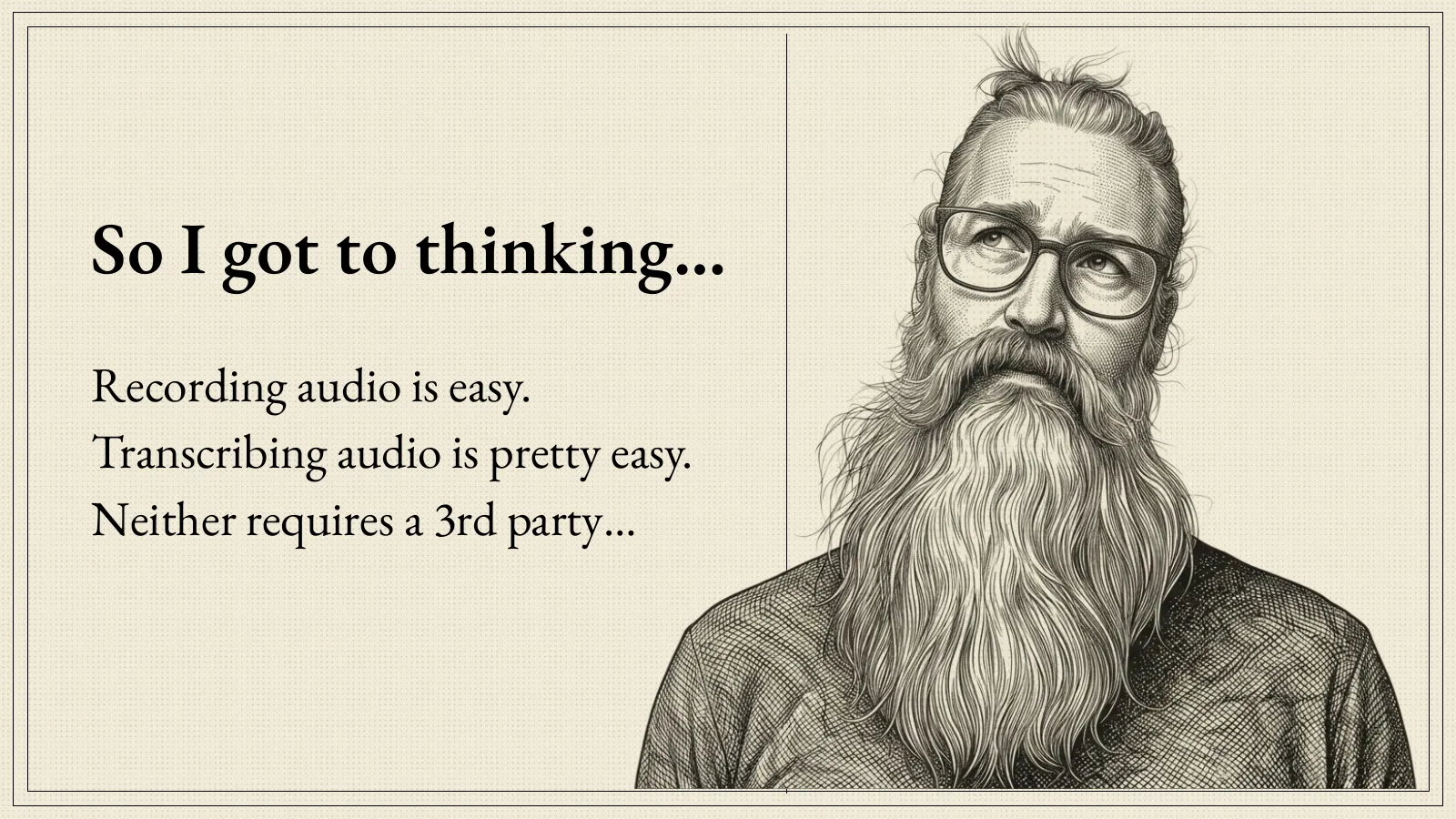
  27. So I got to thinking… Recording audio is easy. Transcribing audio is pretty easy. Neither requires a 3rd party…
  28. Part IV, Maybe I can DIY my own device? How hard could it be?
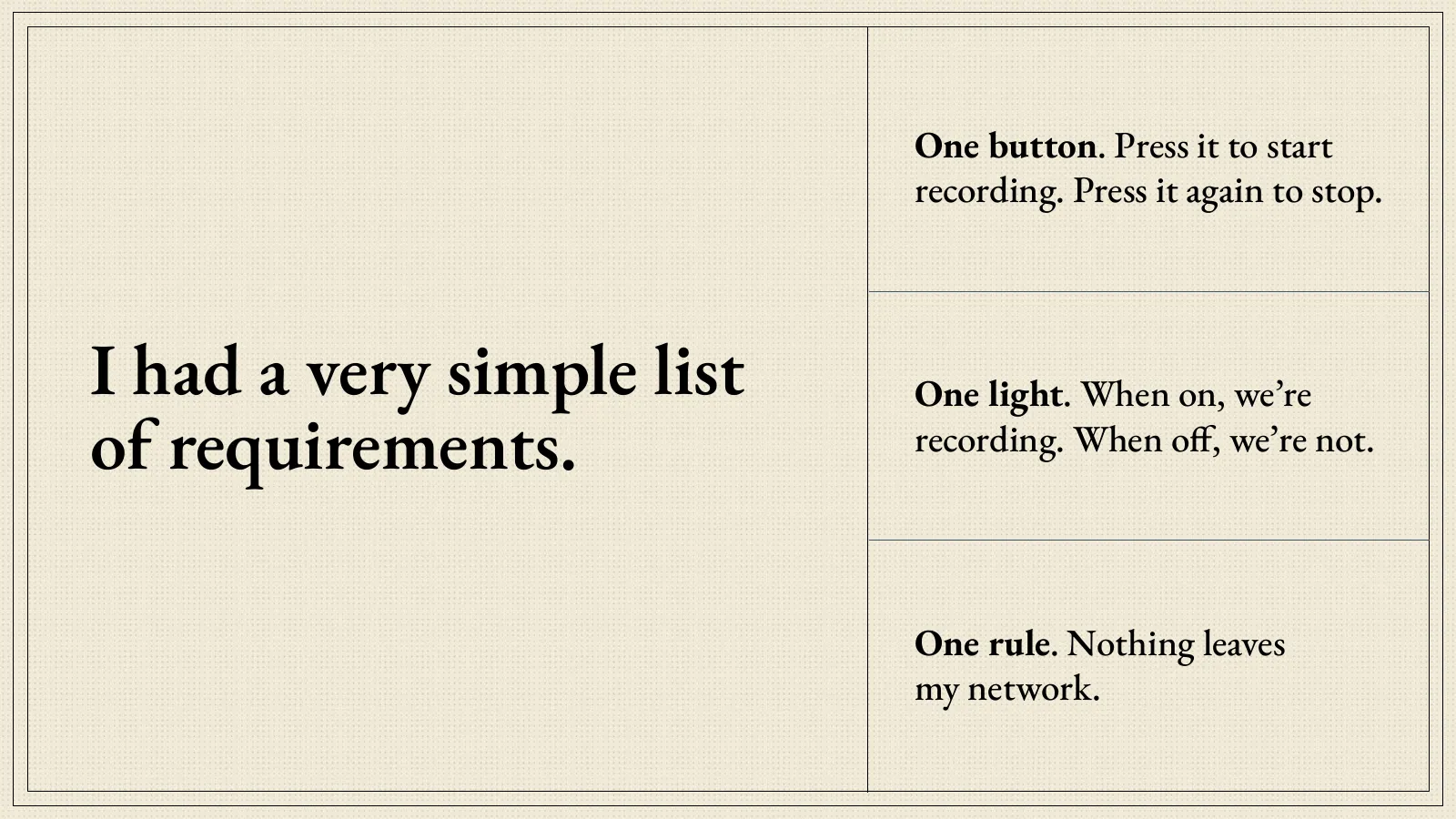
  29. I had a very simple list of requirements. One button: press it to start recording, press again to stop. One light: on means recording. One rule: nothing leaves my network.
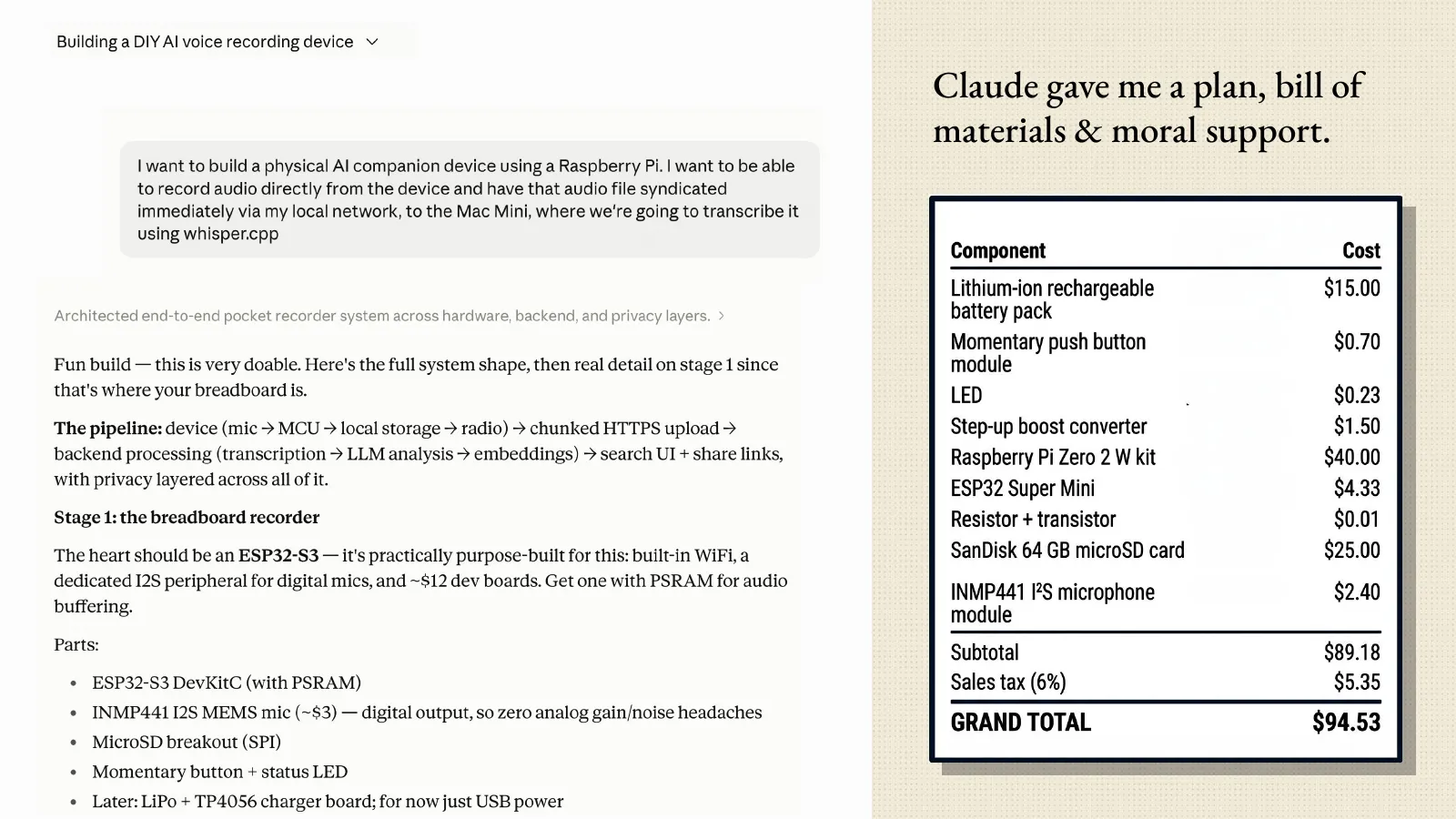
  30. Claude gave me a plan, bill of materials & moral support.
  31. The plan in five steps: press the button to start a recording, speak while the Pi saves audio chunks to an SD card, the Pi syncs the file over VPN to a local Mac, whisper.cpp transcribes it, and transcripts go into a vector database.
  32. The build: illustrated parts including a Raspberry Pi, an ESP32 board, a microphone, a battery, a power boost board, a button, an LED and small components.
  33. The enclosure: a 3D model of an open box with vent holes and a separate flat lid.
  34. Lost context a few times, and I had to keep Claude on track. Hiccups along the way: electronics and 3D modeling, picking up a new skill takes practice, and soldering is hard. A 3D printed third arm was a game changer.
  35. I made a thing! This is my Pocket. A photo of the finished device: an ESP32 board, microphone and Raspberry Pi Zero wired together with a battery beside them, next to the Pocket Protector logo.
  36. Demo 3, The art of transcription: a slide with a blank black area where the demo video plays.
  37. A browser showing the pocket-protector.diy website, with the headline Press a button. Remember everything. and an illustration of the push-button recorder.
  38. Part V, A machine to manage memory. But what did I learn?
  39. I was always curious; my limiting factor was capability. AI helped me do something I never dreamt possible and gave me room to listen, wonder and create. The skill is not knowing how, it is believing you can.
  40. I still can’t keep track of anything… but maybe I don’t have to?
  41. What have you already decided you do not know how to do? Automating administrative work, making institutional knowledge searchable, helping volunteers, building a tool that does not exist, or connecting systems.
  42. I thought my memory was the problem; it was my presence all along. Machines will never be better than humans at curiosity, empathy, relationships, creativity and presence.
  43. Build things that give you back your humanity.
  44. Thank you! My name is Taylor MacDonald and I like to build things. Links to ample.co, pocket-protector.diy, bloodsweatandtokens.xyz, breadandbutter.wtf and linkedin.com/in/tcmacdonald, beside an engraved portrait.
  45. Blood, Sweat & Tokens, a podcast about building under pressure, presented by Ample, with two hosts, an Apple Podcasts badge, a QR code and the address bloodsweatandtokens.xyz.

Slide 01 of 45

Pocket Protector

The build · pocket-protector.diy

Press a button.Remember everything.

The recorder from the talk is a push-button device you build yourself. Every recording is transcribed, labeled by speaker and made searchable on your own Mac. Ask it what was said, and it answers with the exact moment.

YOU ASK What did we decide about the deck material? answer cites session + time Record button ESP32-C3 · GPIO 4 Status LED Pi · GPIO 27 INMP441 mic I2S · 16 kHz mono
  • 1

    button to press

  • 60 s

    audio chunks, synced as you go

  • 5 s

    between checks for new sessions

  • ~180

    words per searchable chunk

  • 6

    cited excerpts behind every answer

  • 0

    cloud AI services

Work with Ample

Want a second brain for your whole team?

Ample builds AI systems that capture what your organization already knows and put it one question away. If the talk got you thinking, let’s talk about what that looks like for you.
Start a conversation